Script Blocks
JavaScript
Introduction
If you want to customize how you handle string, number, boolean, and enum variables, you can use the "JavaScript Block".
Steps to Use
Here is how to use the Script Block:
- Add a JavaScript Block to the canvas. Double-click it to open the "Script Editor".
- Click +, select the parameter type, and enter the parameter name to create a new parameter.
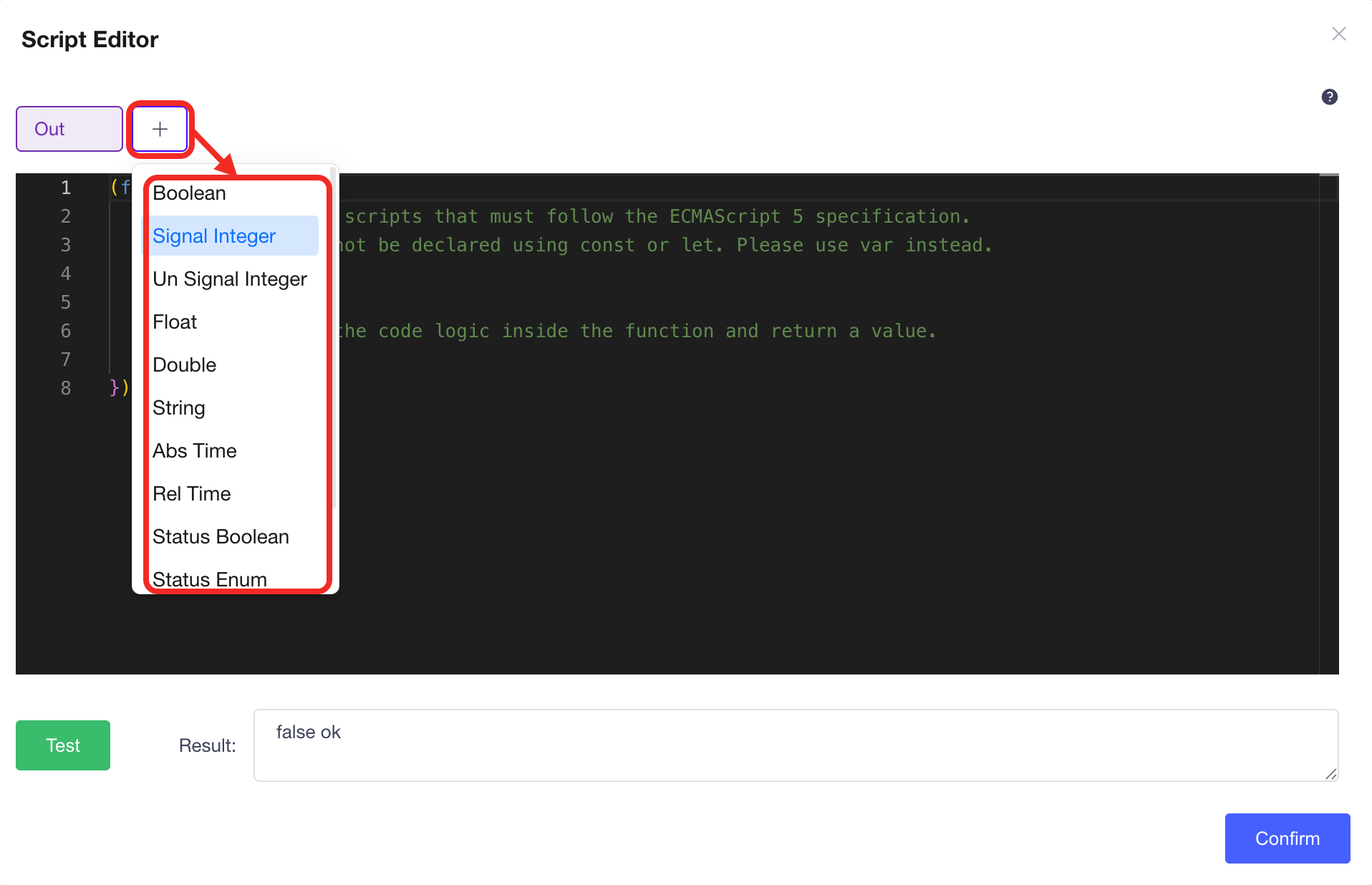 The system will automatically add the variable in the
 function.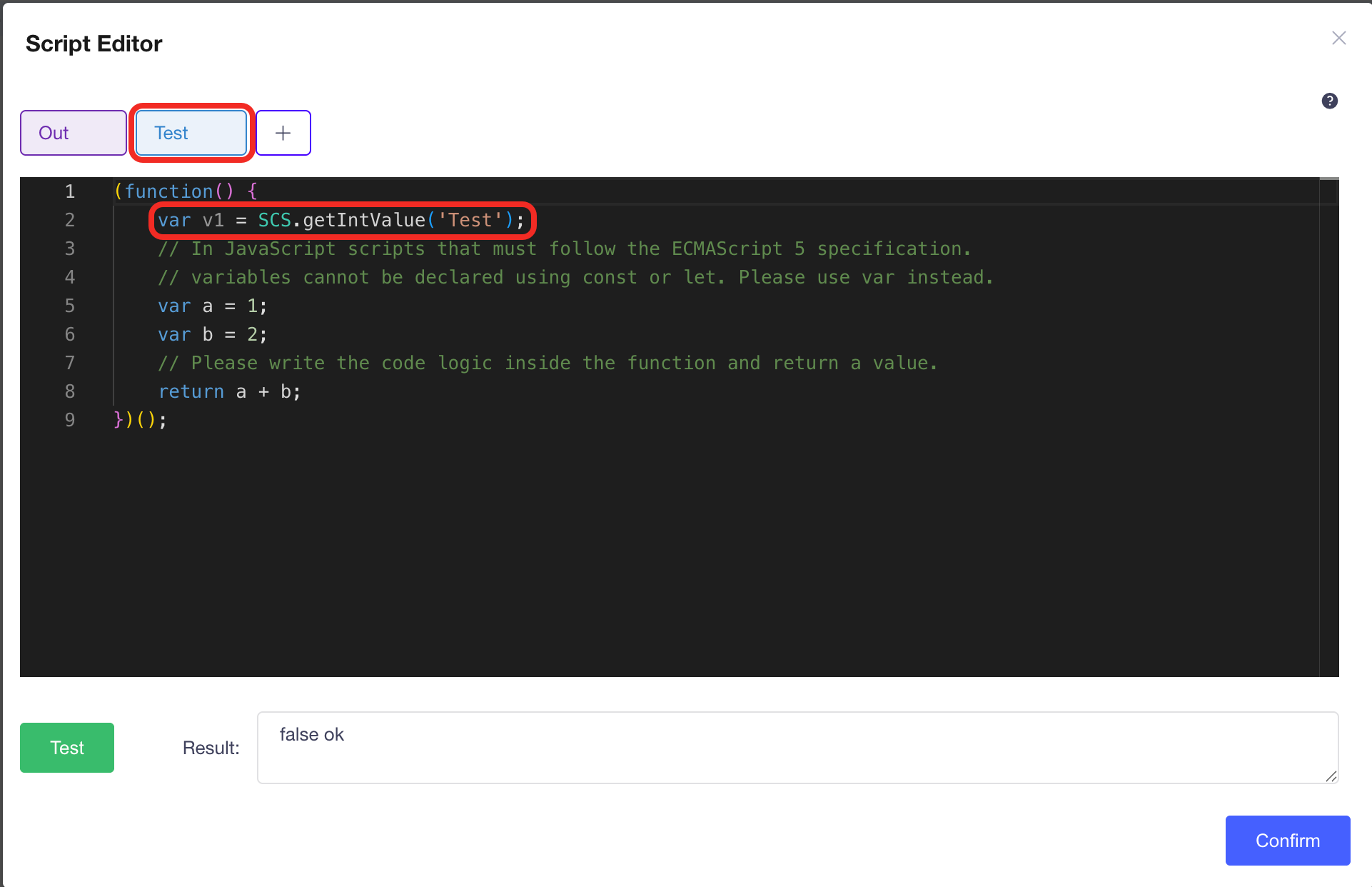
- Close the editor and assign values to the new variables on the canvas.
- When you need to write code, open the editor again, write your code, and click Test to run the code.
- Once the code works without error, connect the output port to the corresponding node type to record the result.