Try API Online
You can directly test the Aqara AIOT API online from the API documentation, making it convenient to test and verify API behavior. This article guides you through how to try the API online.
Before You Begin
Before you begin, make sure you have prepared the following:
- You have created an application on the Aqara Developer Platform and obtained
AppidandKeyid. - You can generate the request
Sign. For details, read Signature Generation Rules. - You have prepared
Nonce(random string, should be different for each request) andTime(request timestamp in milliseconds). - If the endpoint requires authorized access, you also have
Accesstoken.
How to Use
-
Select the API you want to test and click its name to view the documentation.
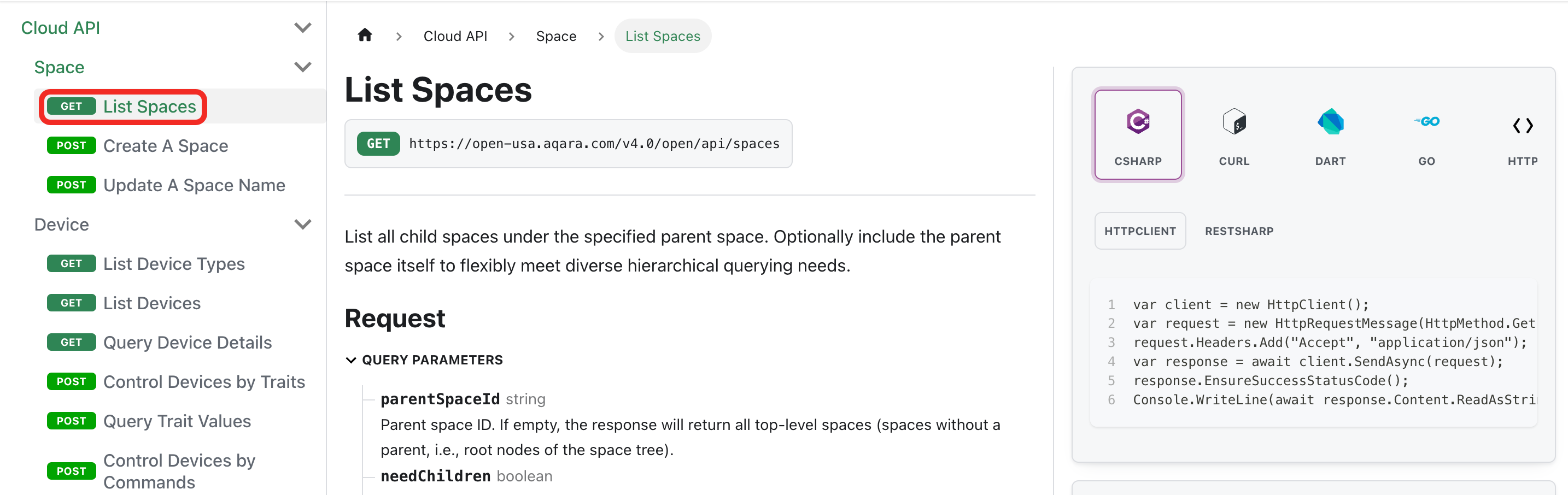
-
On the right side of the documentation, find the Request area and click the Edit button next to Base URL.
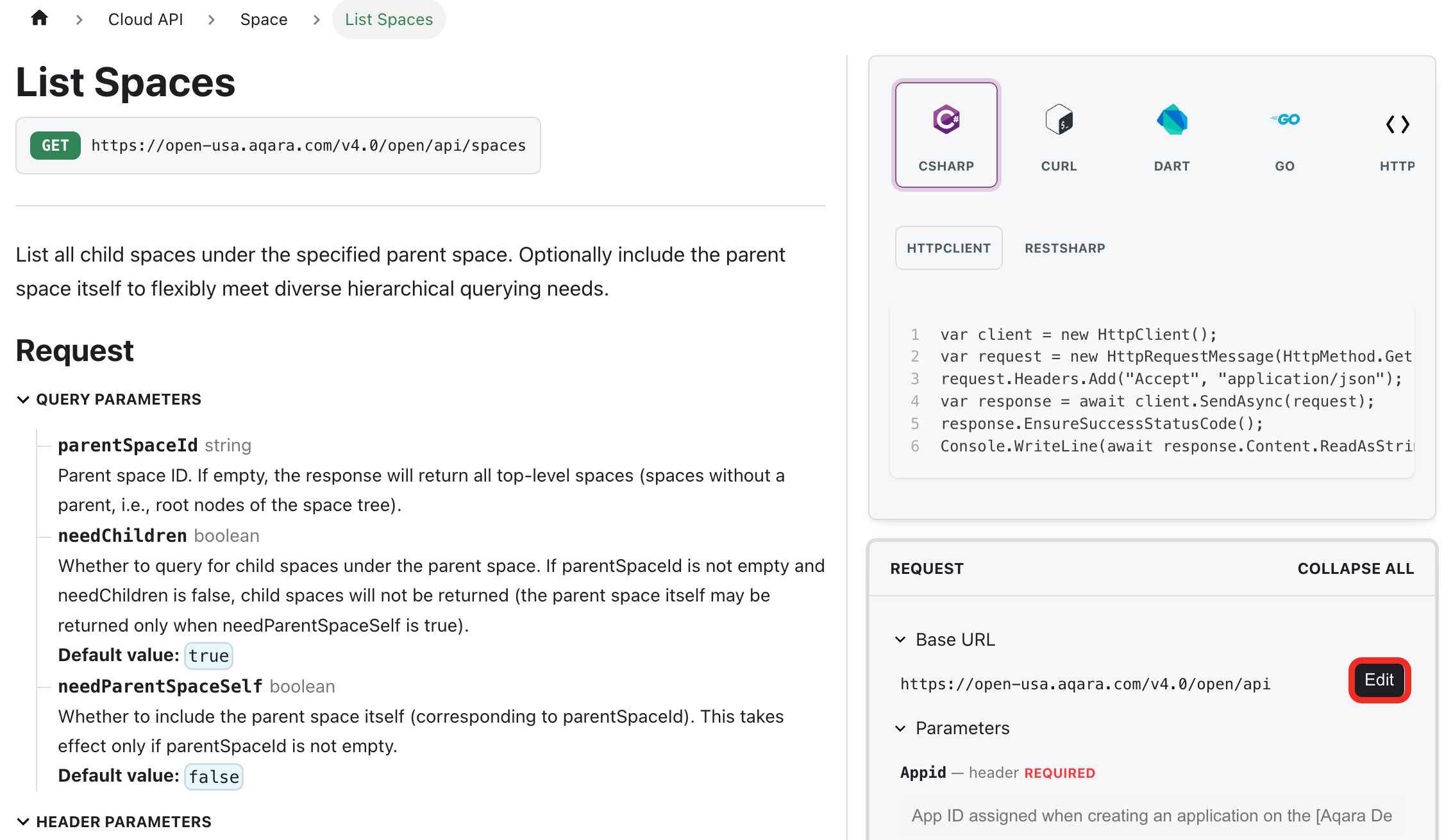
-
At this point, the
hostfield will appear below. Please select the Aqara Open Platform API server domain, such ashttps://open-cn.aqara.com,https://open-usa.aqara.com, etc. For available server region domains, refer to Getting Started with the AIOT API - Base URL.The AIOT API Base URL format is
{host}/v4.0/open/api.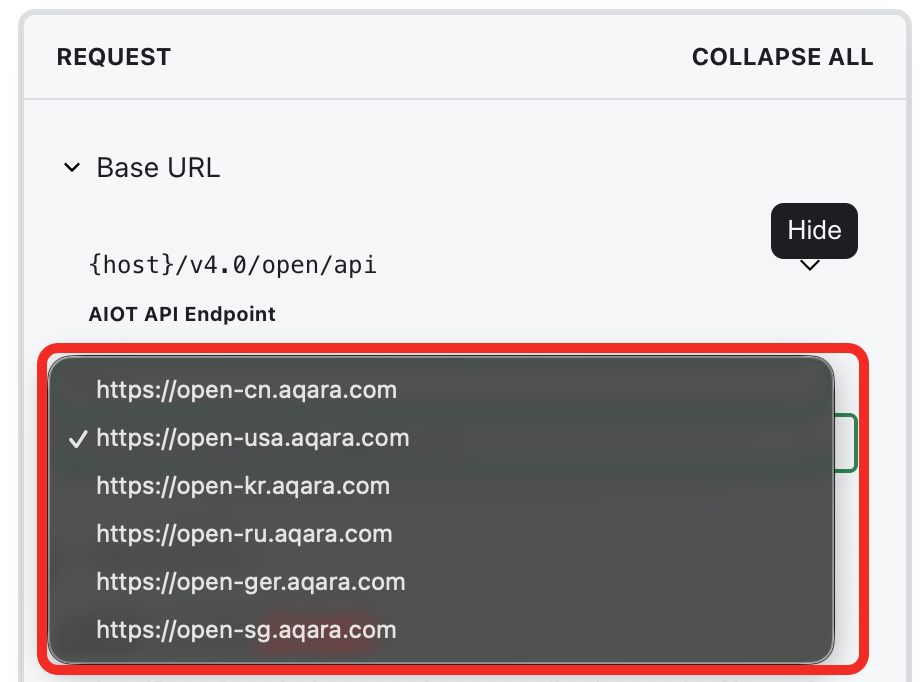
-
In the Header parameters area, fill in
Appid,Keyid,Nonce,Time, andSign.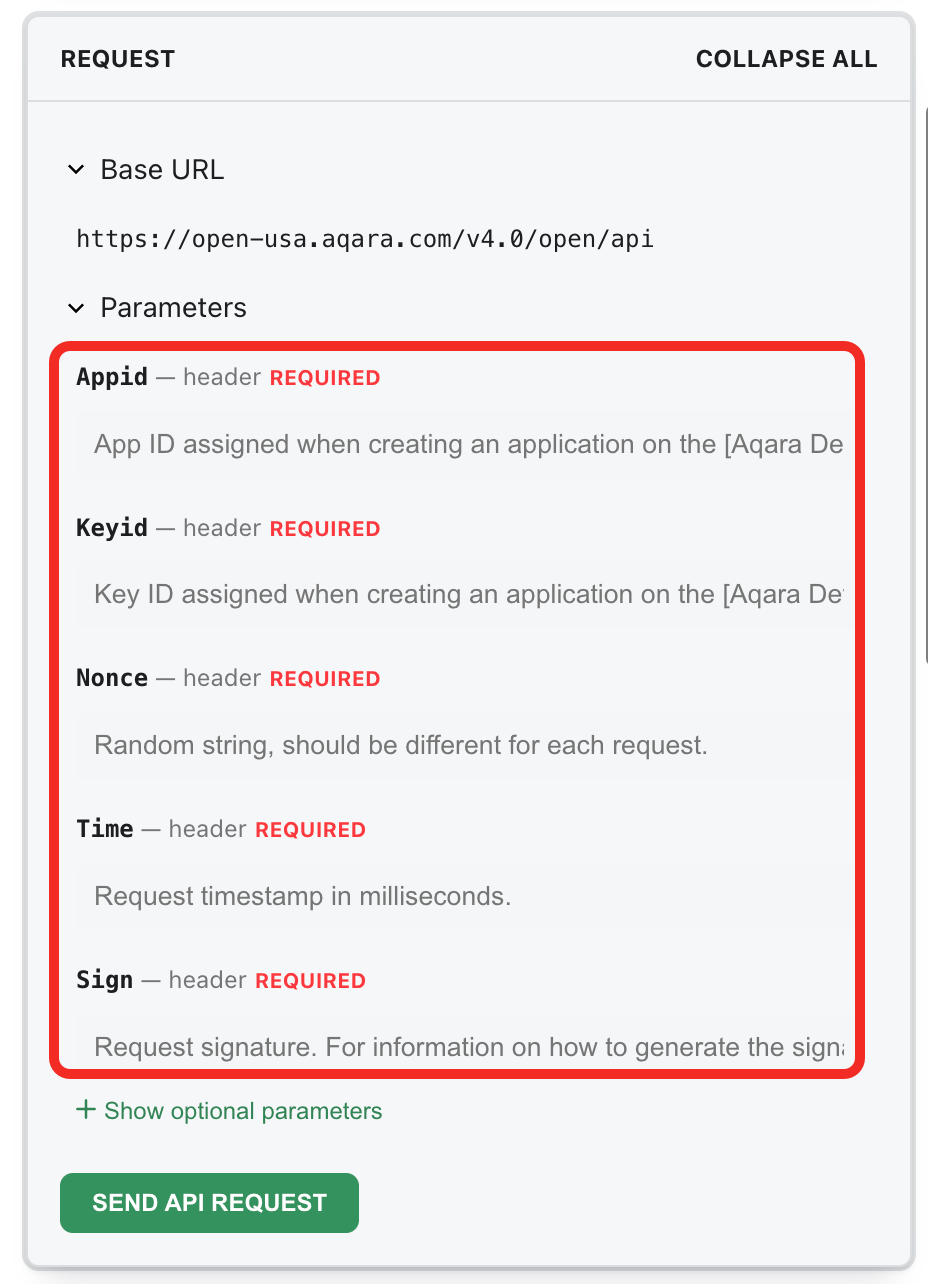
In addition to the required header parameters, click the Show optional parameters button to view the optional header parameters.
If the interface requires authorized access, you also need to fill in
Accesstoken; if you need to specify the return language, you can fill inLang.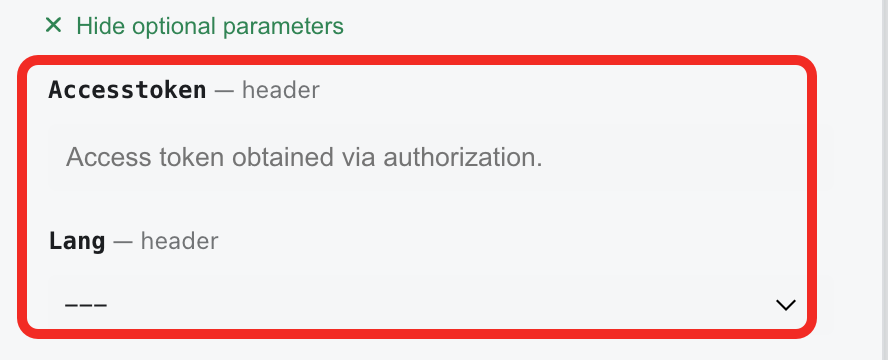
-
(Optional) If the endpoint requires query parameters or a request body, continue configuring them in the Request area. For example:
- For List Spaces, you can set query parameters such as
parentSpaceIdandneedChildren. - For Control Devices by Traits or Query Trait Values, you need to fill in the request body.
- For List Spaces, you can set query parameters such as
-
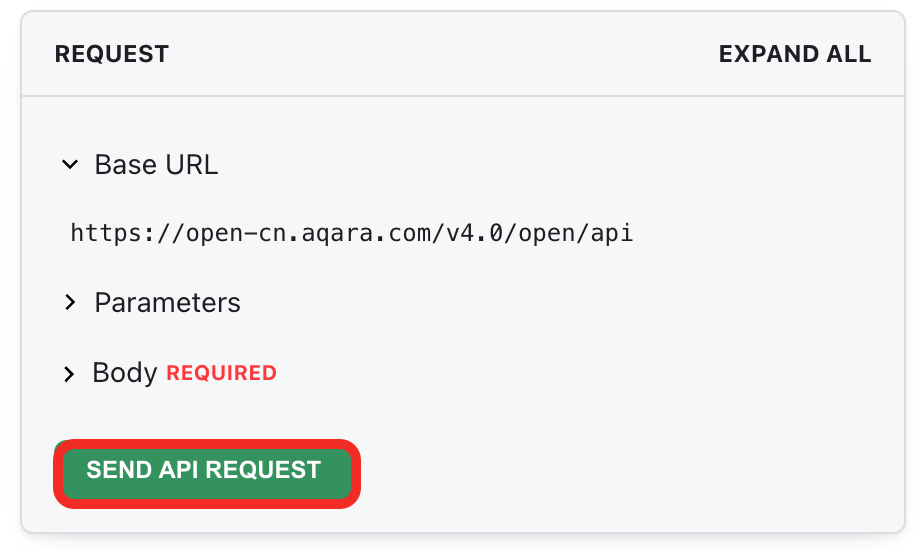
After completing the configuration, click Send API Request to debug the API online.
-
After the request is sent, you can view the returned results in real time in the Response area below, including the HTTP status code, business
code, and detailed response content.