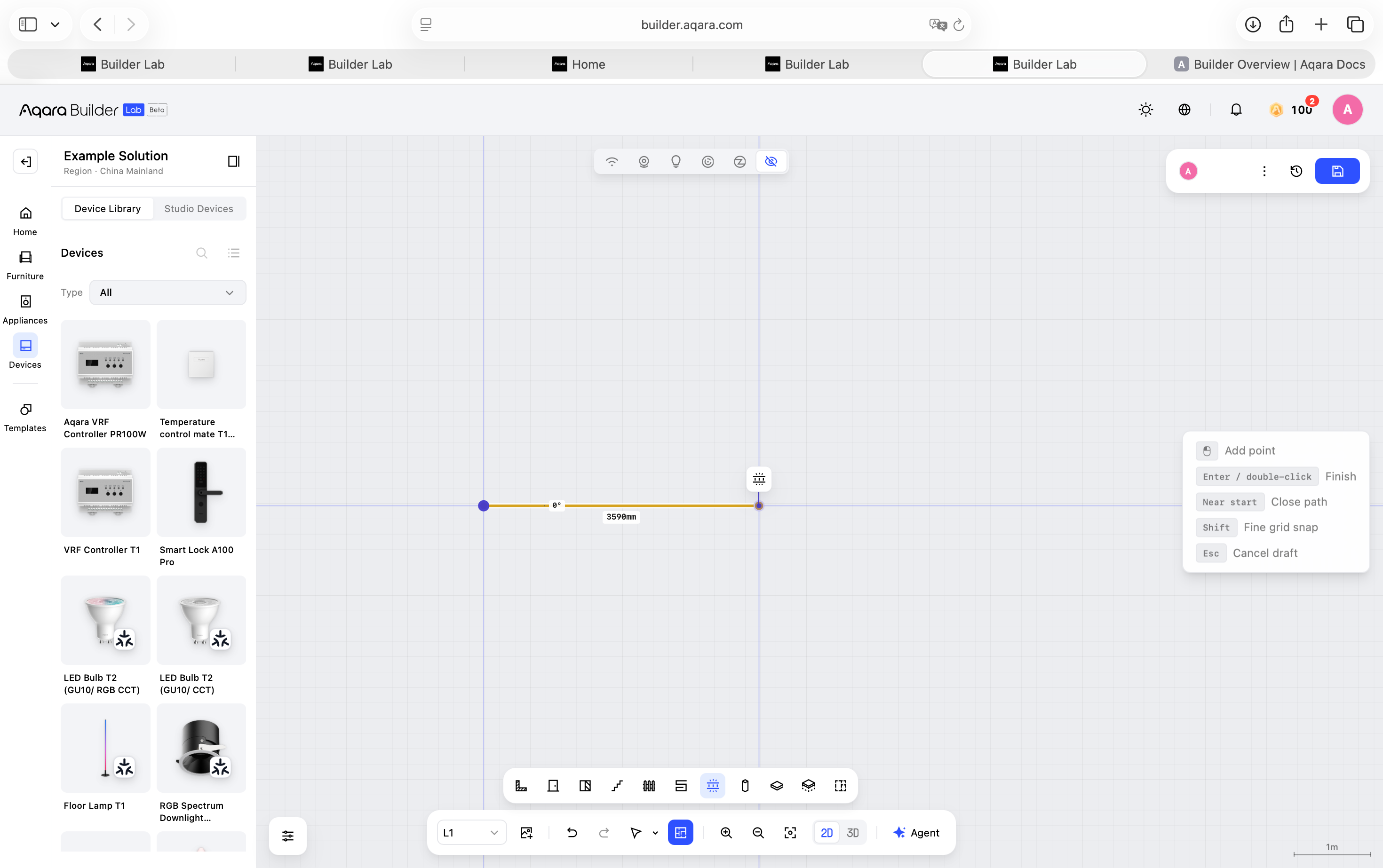
Add Light Strips
Choose the position and coverage of each light strip based on the actual room.
- Open the Device Library.
- Find the light strip you want to use.
- Add the light strip to the room.
- Adjust it to match the planned installation position.
- Check that it is in the correct room and position.
- Save the design.
When positioning a light strip, consider the walls, ceiling, furniture, and actual installation requirements.