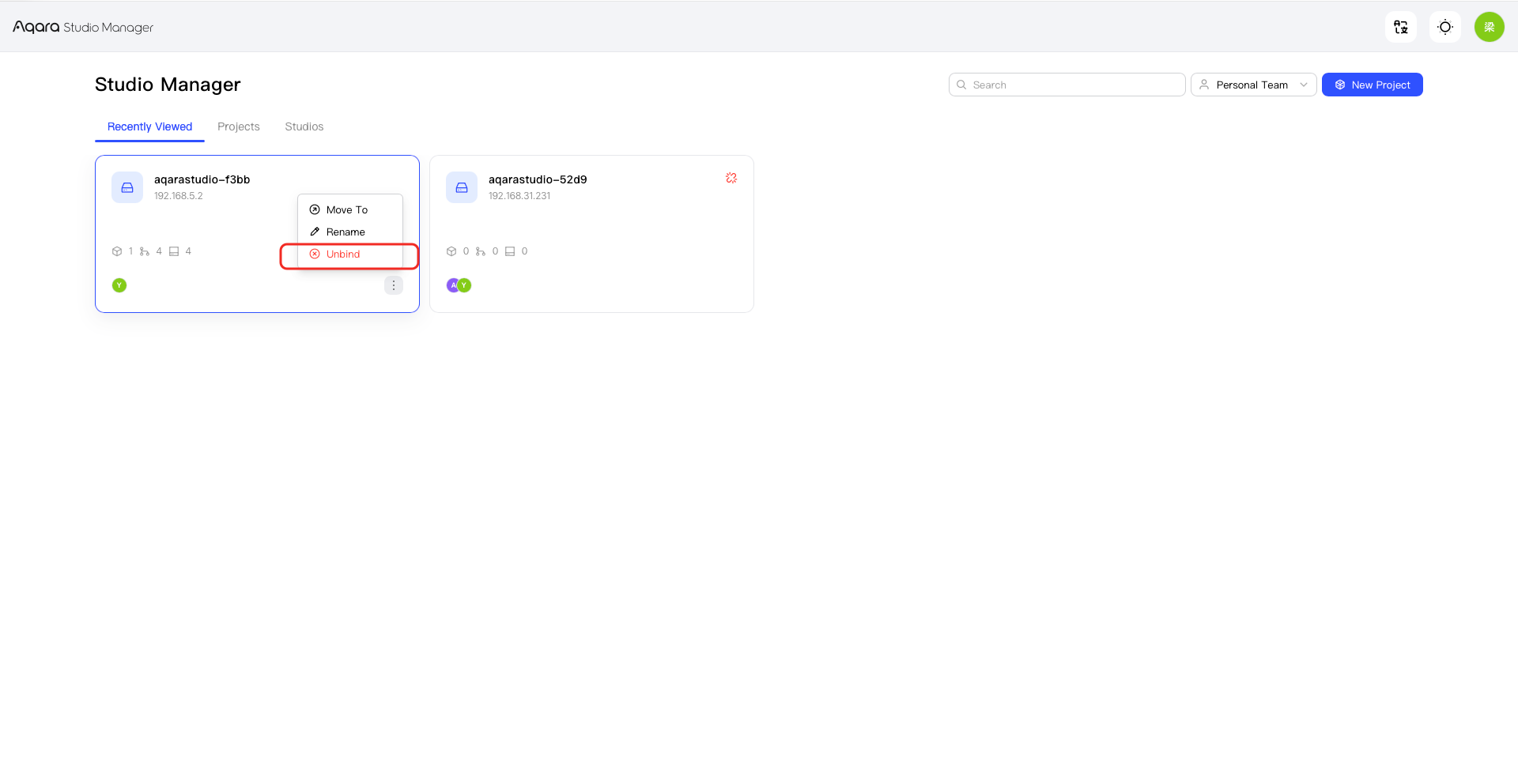
Disconnect a Studio from the Cloud
Disconnecting a Studio from the cloud removes its cloud connection. Before continuing, verify the Studio and its project so that you do not disconnect the wrong device.
- Open the target Studio.
- Find the option to disconnect it from the cloud.
- Verify the Studio details.
- Read the explanation of what the change will affect.
- Follow the on-screen instructions to confirm the disconnection.
- Check the result.