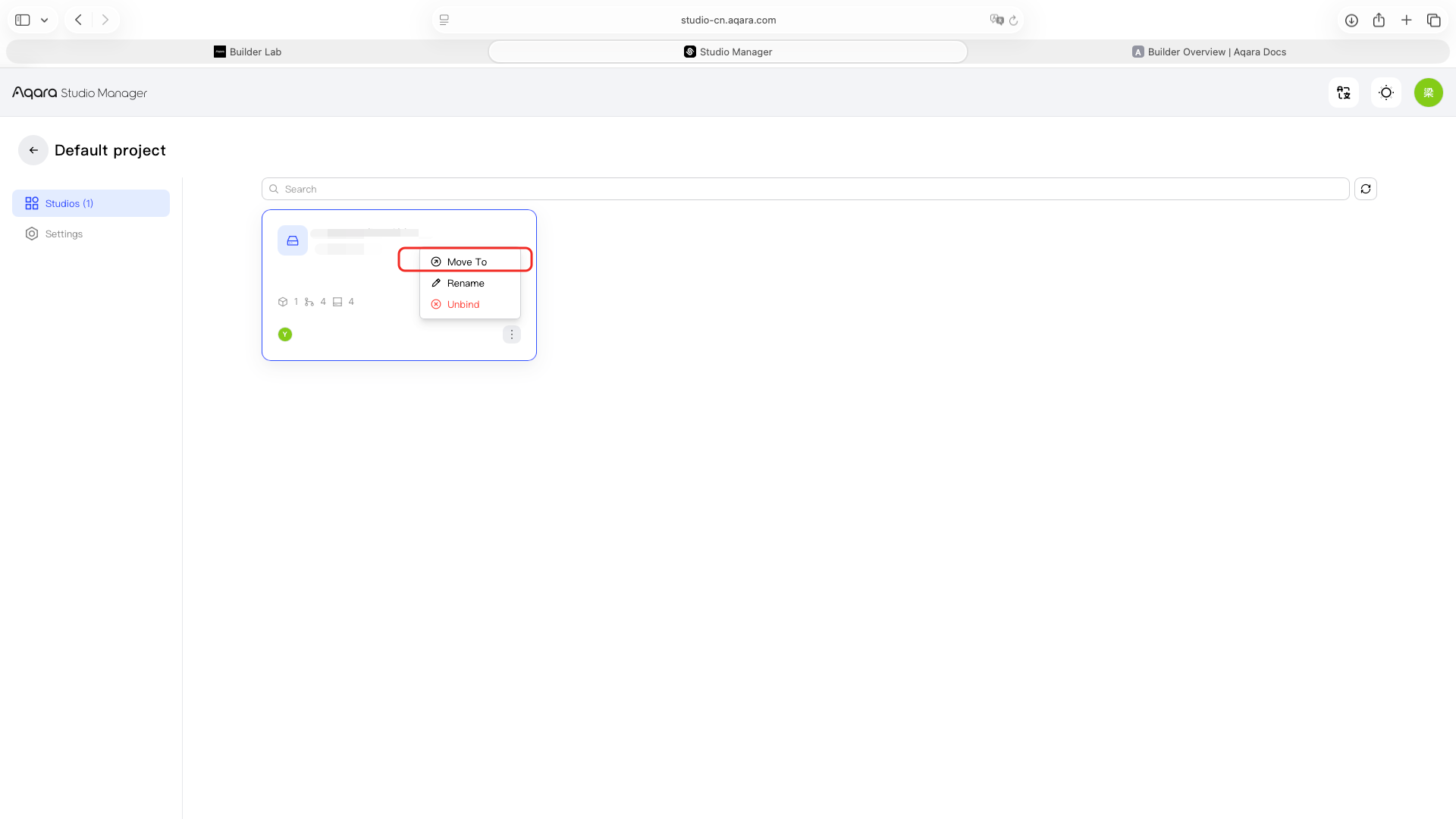
Move a Studio
Studio Move transfers a Studio from its current project to another project.
- In Studio Manager, find the Studio you want to move.
- Open Studio Move.
- Select the destination project.
- Verify the current project, destination project, and Studio.
- Confirm the move.
- Open the destination project and check the Studio.