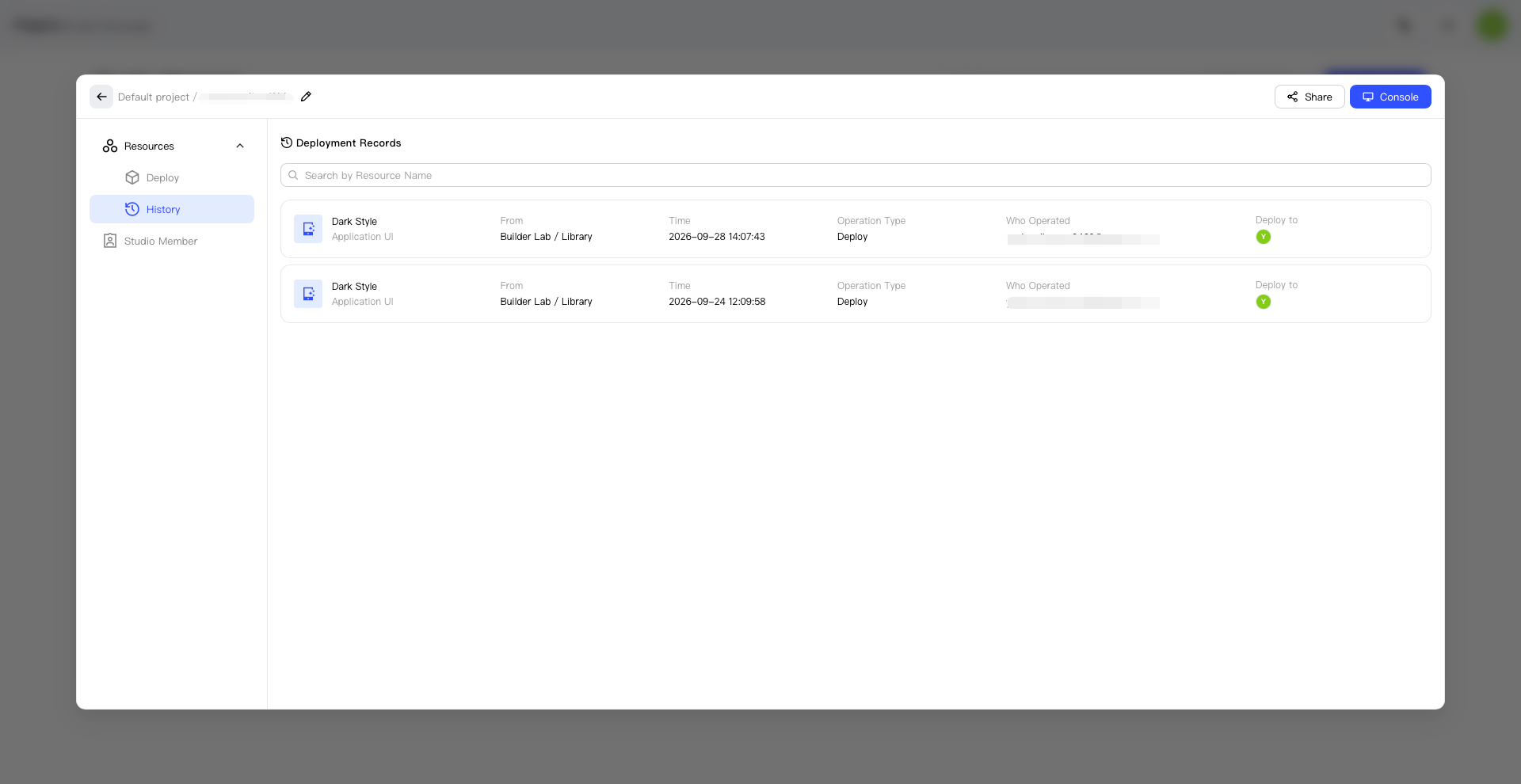
View Deployed Studio Resources
After opening a Studio, use Resources to view related resources and History to view past actions and results.
View Resources
- Open the target Studio.
- Open Resources.
- View the resources currently available in the Studio.
- Confirm that the resource names and projects are correct.
View History
- Open the target Studio.
- Open History.
- Find the record you want to review.
- Open the record to view its details and result.