Track Light V1 Series
Product Information
Basic Information
| Parameter | Description |
|---|---|
| Chinese Name | Track Light V1 Series |
| Product Type | Lighting |
| Communication Protocol | Zigbee, Thread, Bluetooth Low |
Product SKU Information
Luminaire SKUs (Studio Edition)
| Product Image | Official Market Name | Model Number | Product ID | Barcode | SPU Code | SKU Code |
|---|---|---|---|---|---|---|
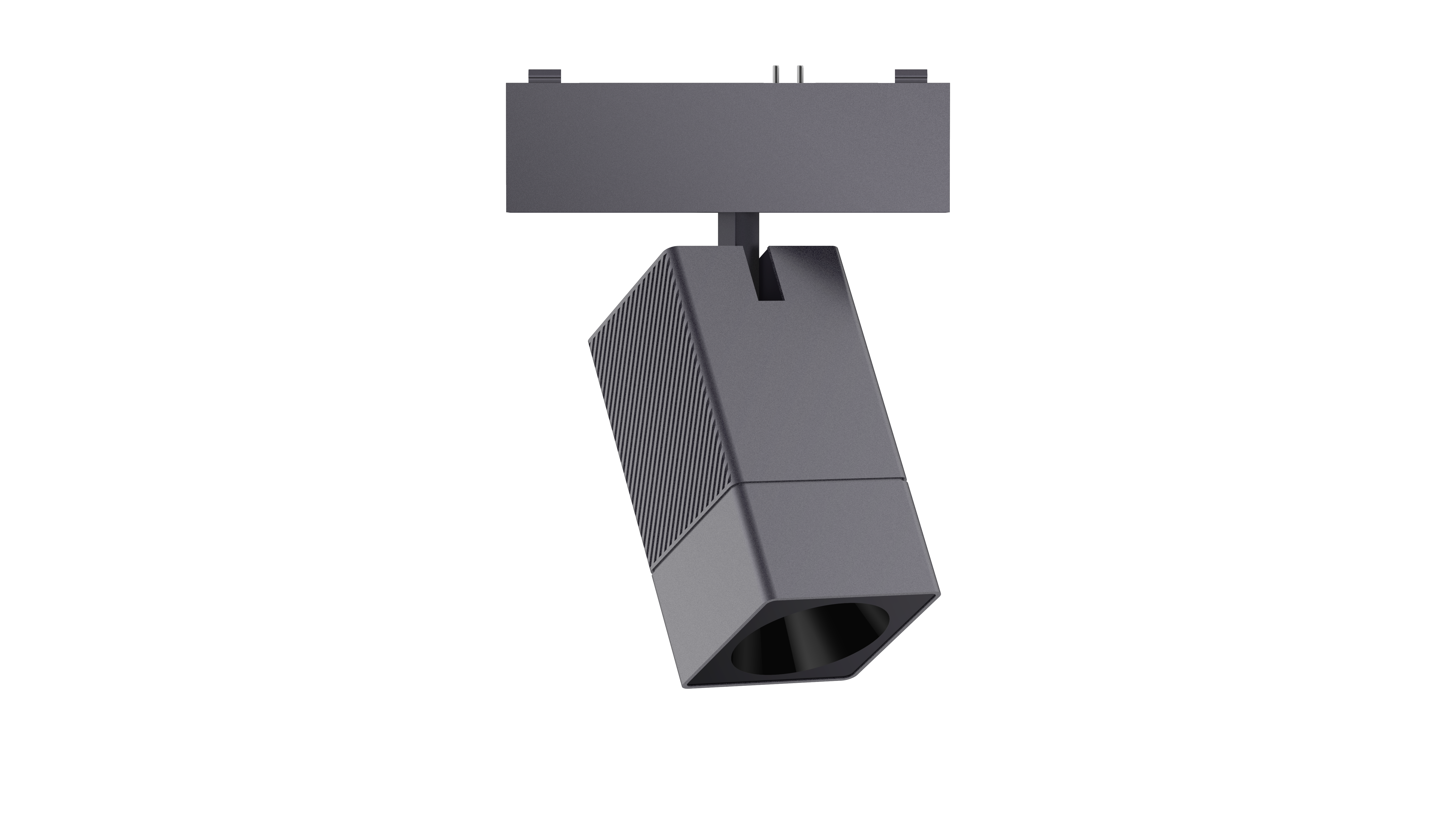 | Track Spotlight V1 (Mountain Gray) Studio Edition | GDSD12LM | A02354 | 6978350356655 | AL206 | AL206CNG01 |
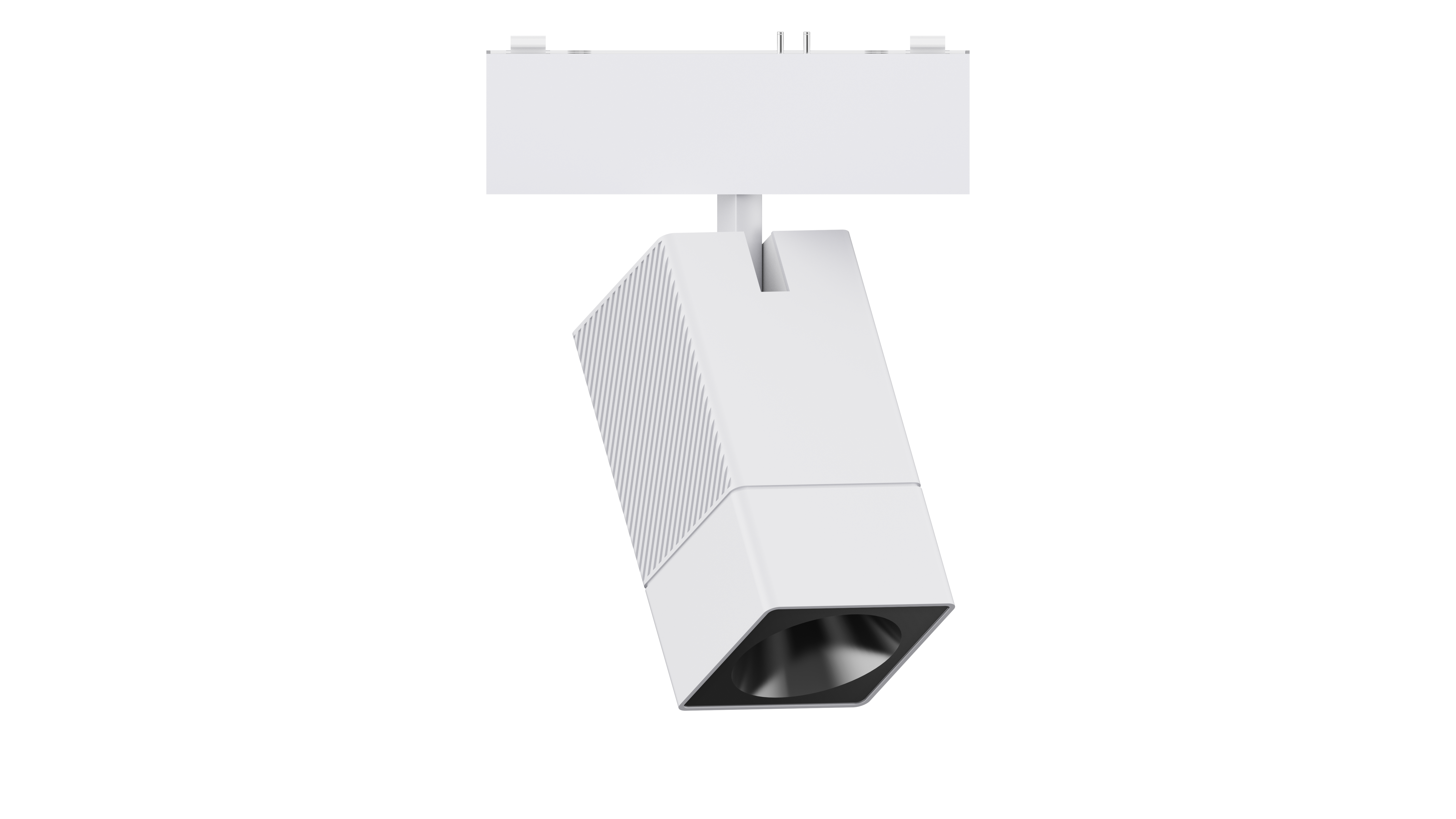 | Track Spotlight V1 (Moon White) Studio Edition | GDSD12LM | A02355 | 6978350356792 | AL206 | AL206CNW06 |
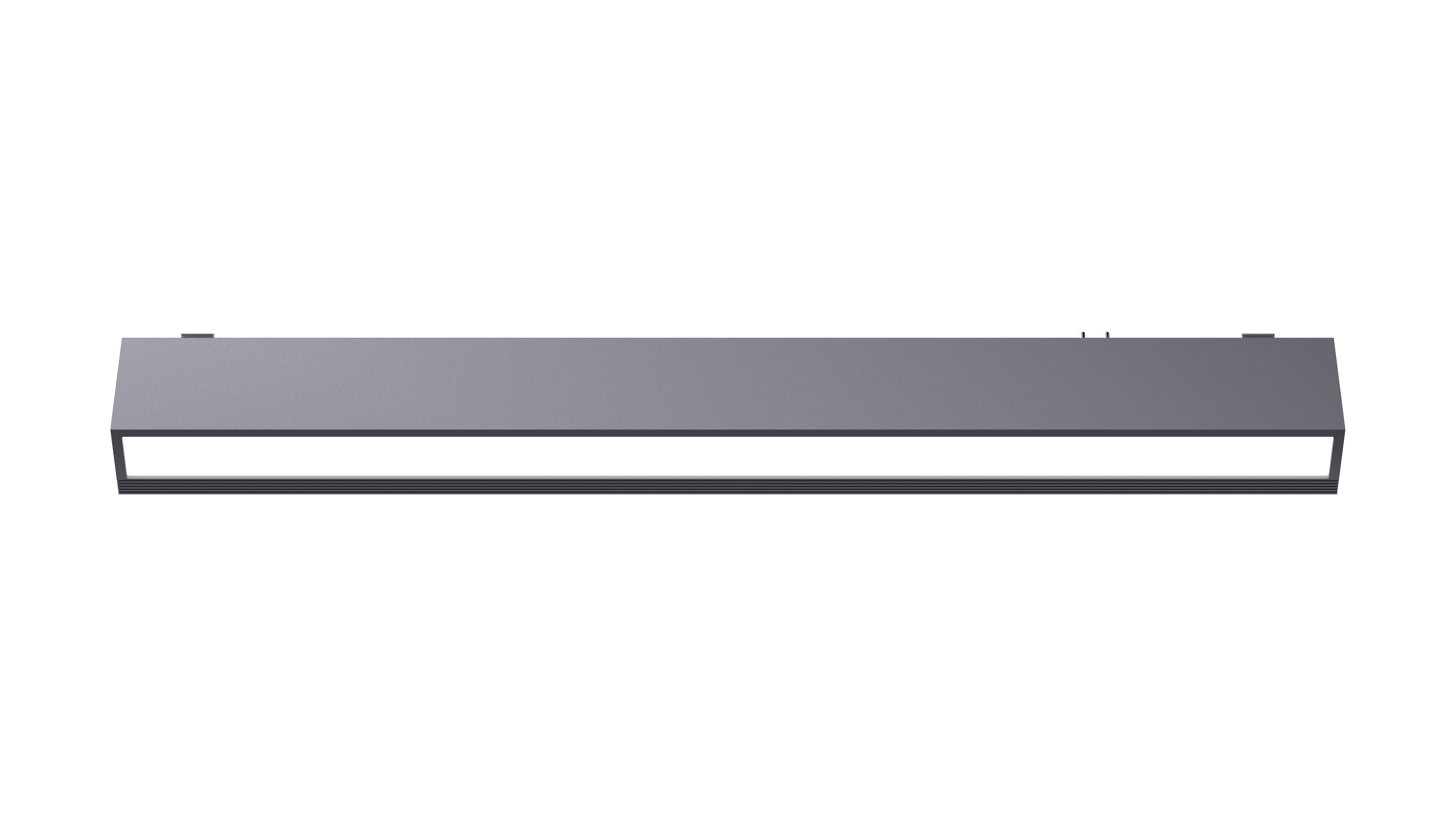 | Track Floodlight V1 (30cm Mountain Gray) Studio Edition | GDFGD13LM | A02356 | 6978350356808 | AL206 | AL206CNG02 |
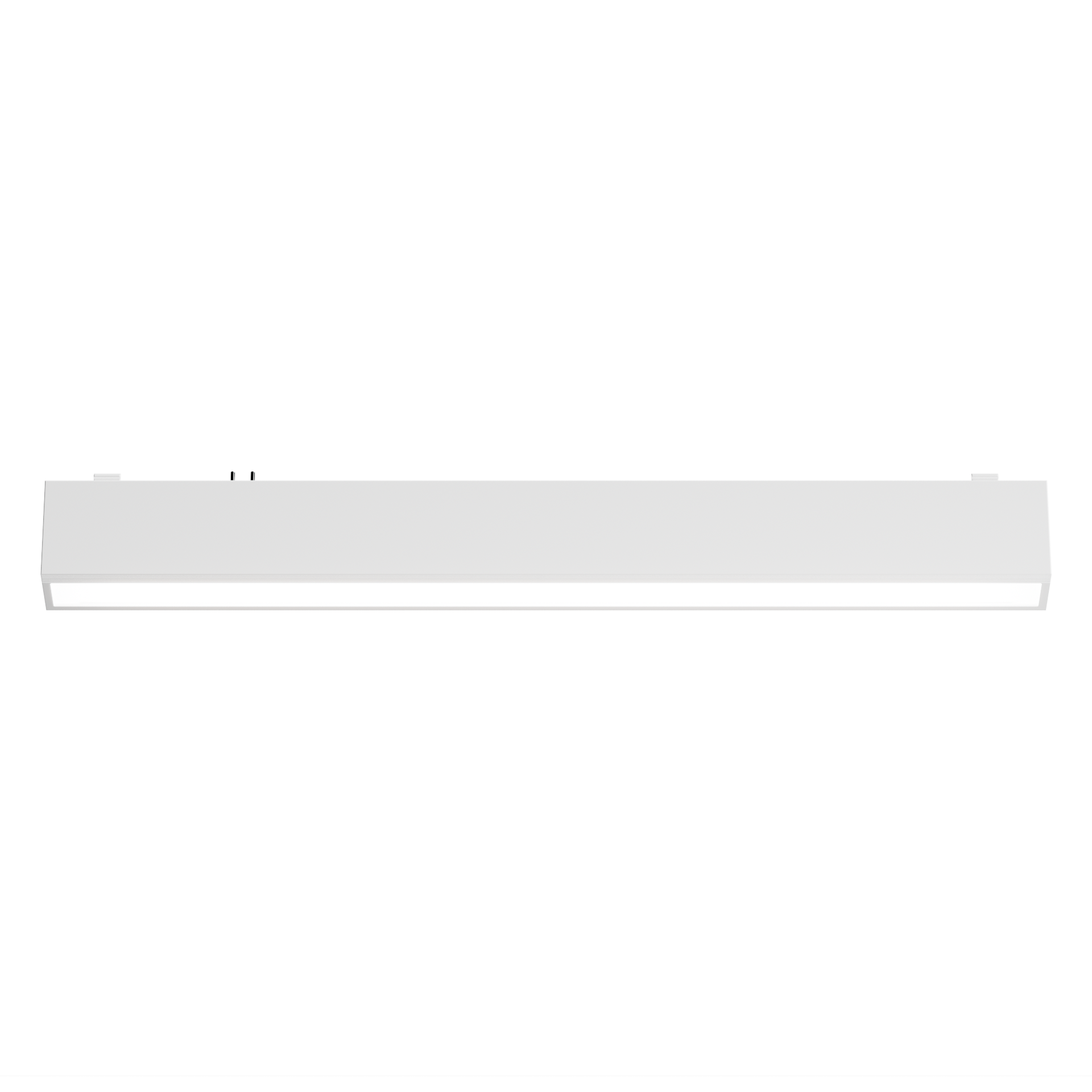 | Track Floodlight V1 (30cm Moon White) Studio Edition | GDFGD13LM | A02357 | 6978350356815 | AL206 | AL206CNW07 |
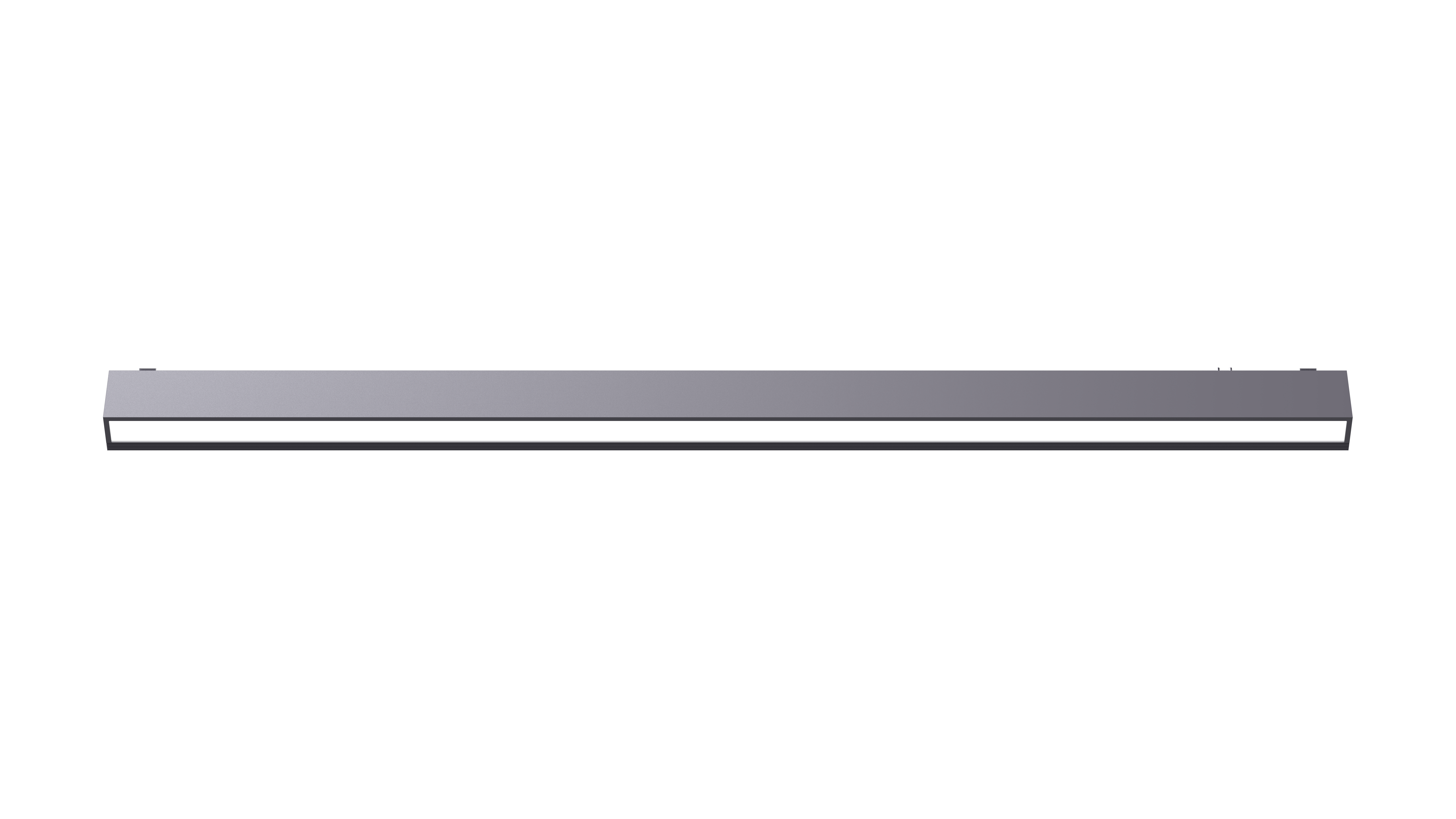 | Track Floodlight V1 (60cm Mountain Gray) Studio Edition | GDFGD14LM | A02358 | 6978350356822 | AL206 | AL206CNG03 |
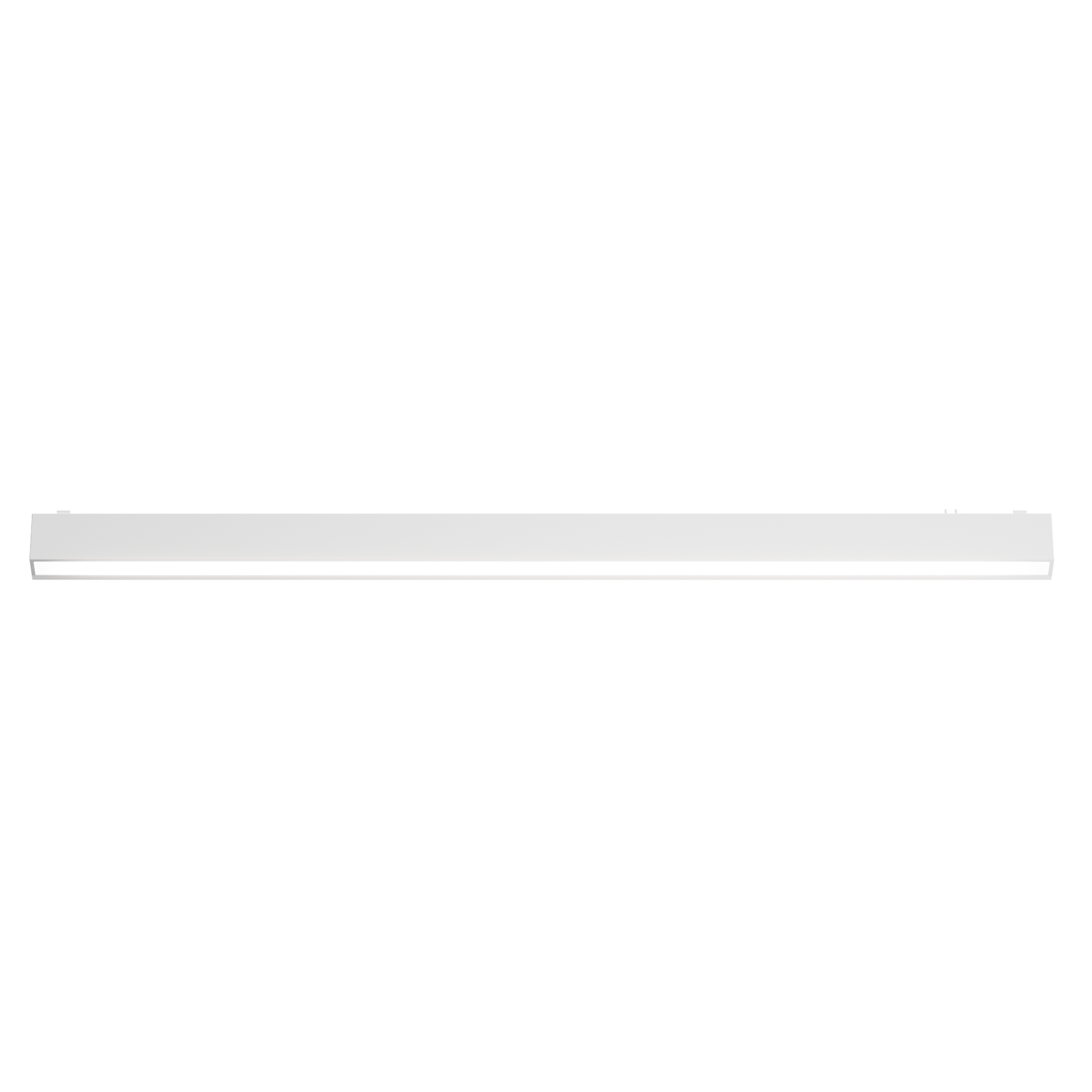 | Track Floodlight V1 (60cm Moon White) Studio Edition | GDFGD14LM | A02359 | 6978350356839 | AL206 | AL206CNW08 |
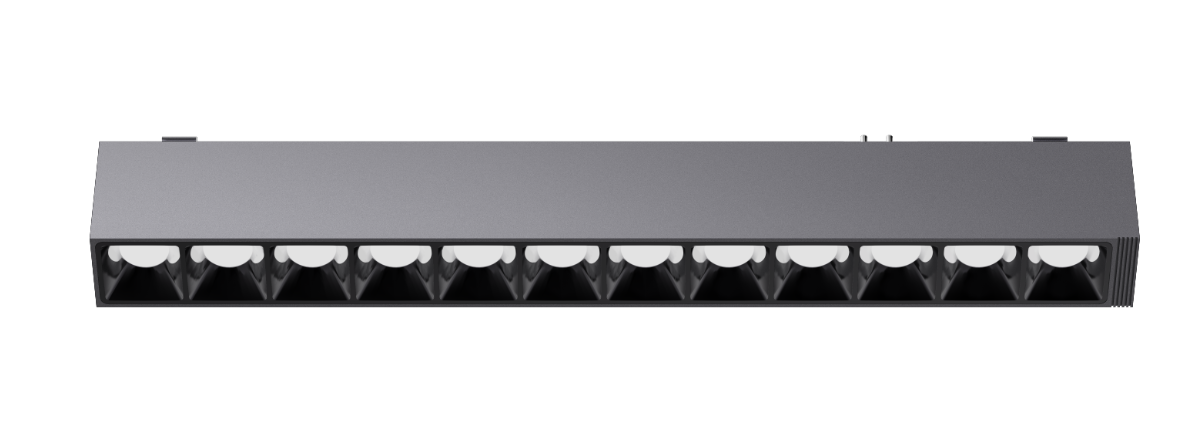 | Track Grille Light V1 (12-head Mountain Gray) Studio Edition | GDGSD13LM | A02360 | 6978350356846 | AL206 | AL206CNG04 |
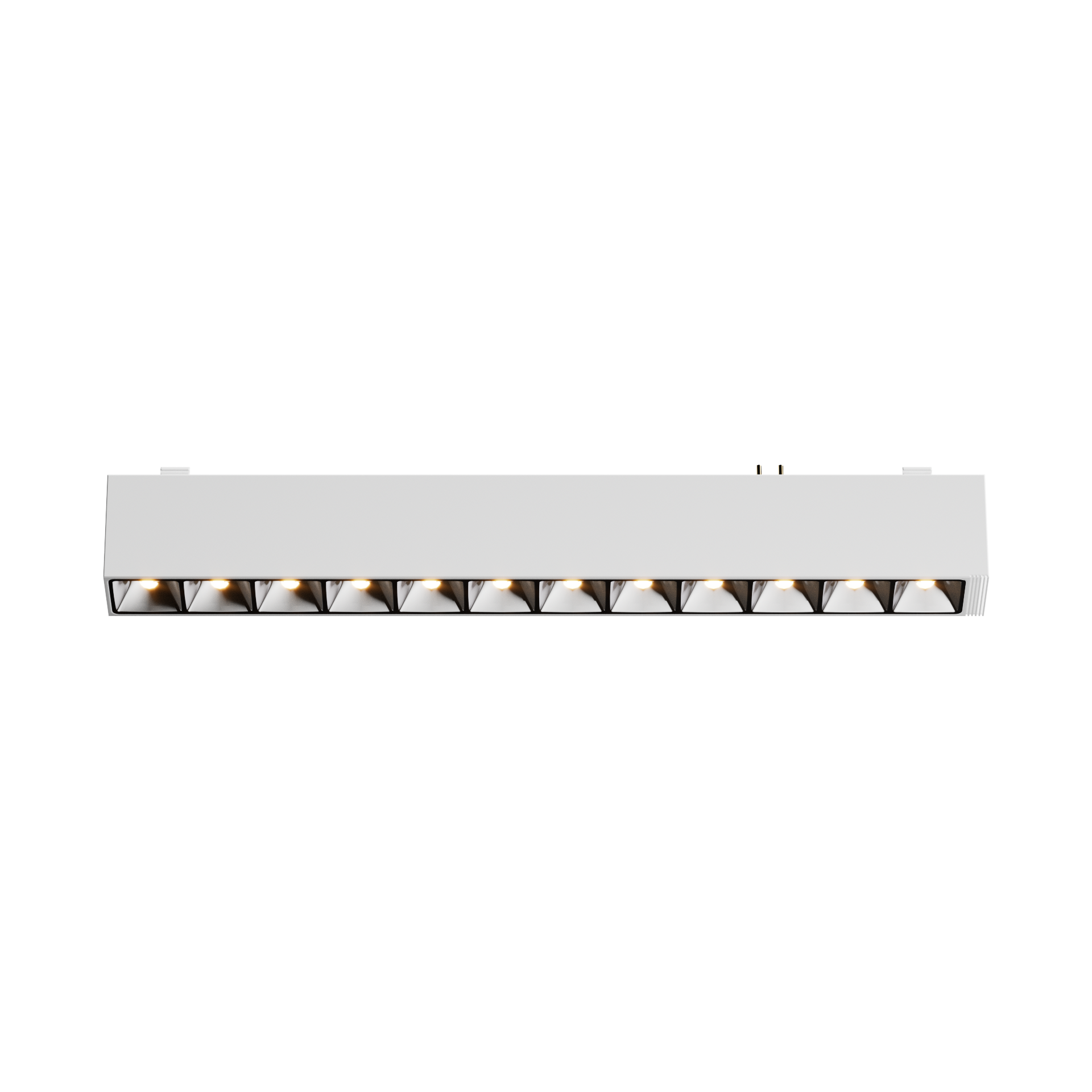 | Track Grille Light V1 (12-head Moon White) Studio Edition | GDGSD13LM | A02361 | 6978350356853 | AL206 | AL206CNW09 |
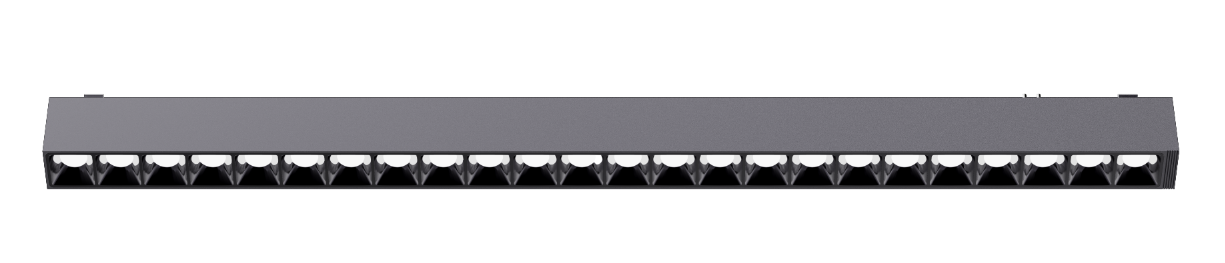 | Track Grille Light V1 (24-head Mountain Gray) Studio Edition | GDGSD14LM | A02362 | 6978350356860 | AL206 | AL206CNG05 |
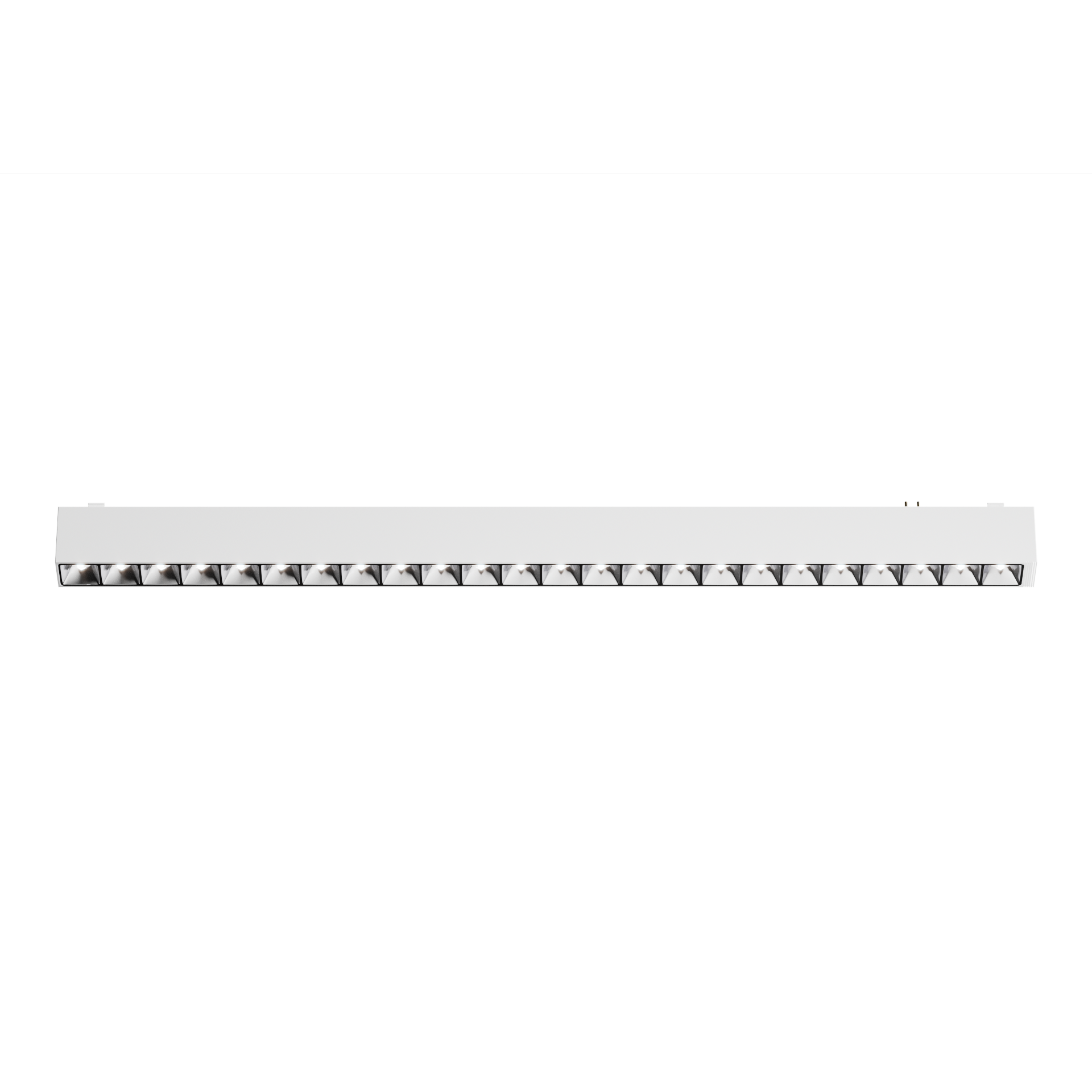 | Track Grille Light V1 (24-head Moon White) Studio Edition | GDGSD14LM | A02363 | 6978350356877 | AL206 | AL206CNW10 |
Power Supply SKUs
| Product Image | Product Name | Model Number | SKU Code | Barcode |
|---|---|---|---|---|
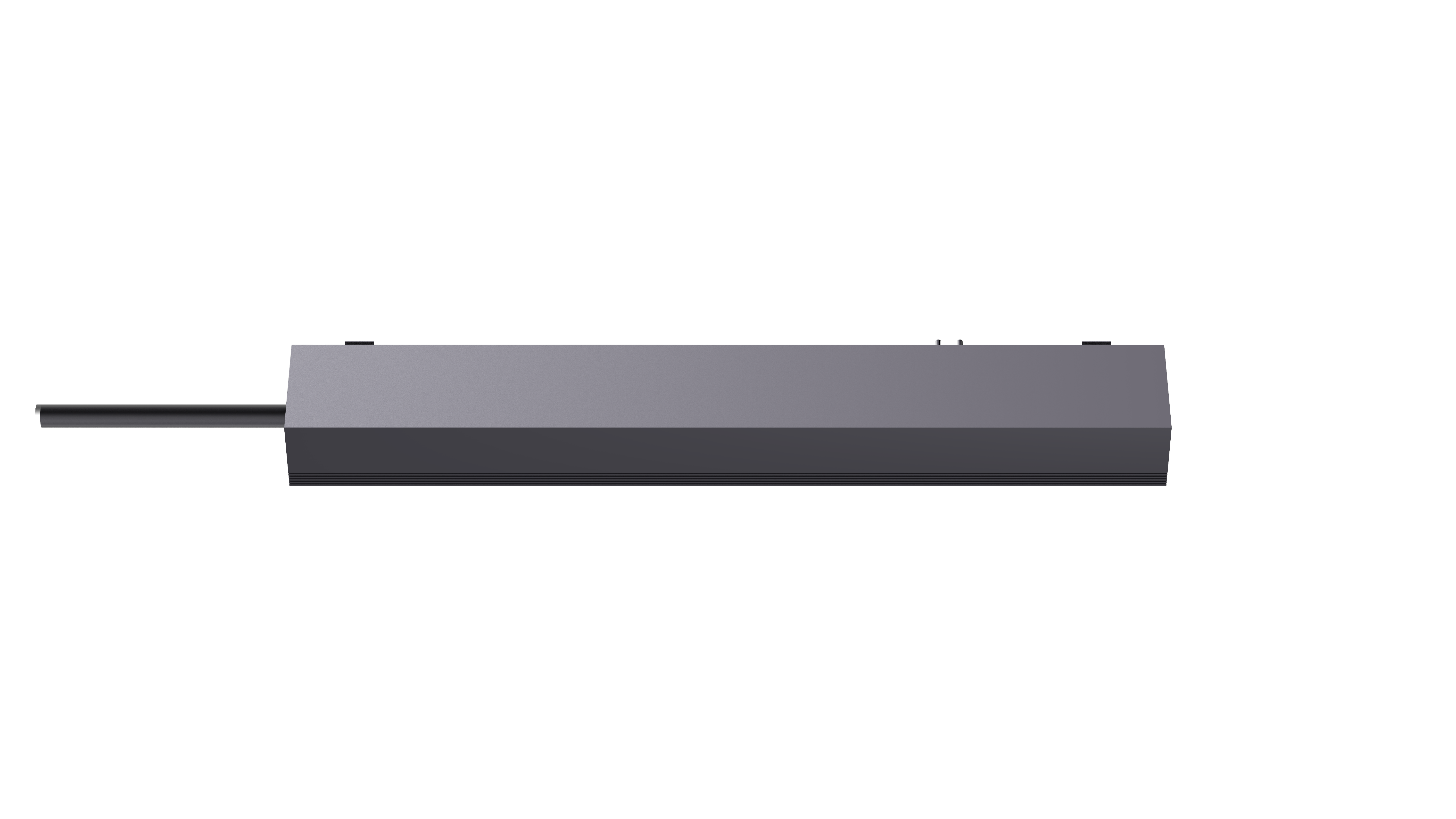 | Track Power Supply V1 (100W Mountain Gray) | GDDY11LM | AL207CNG01 | 6975833355860 |
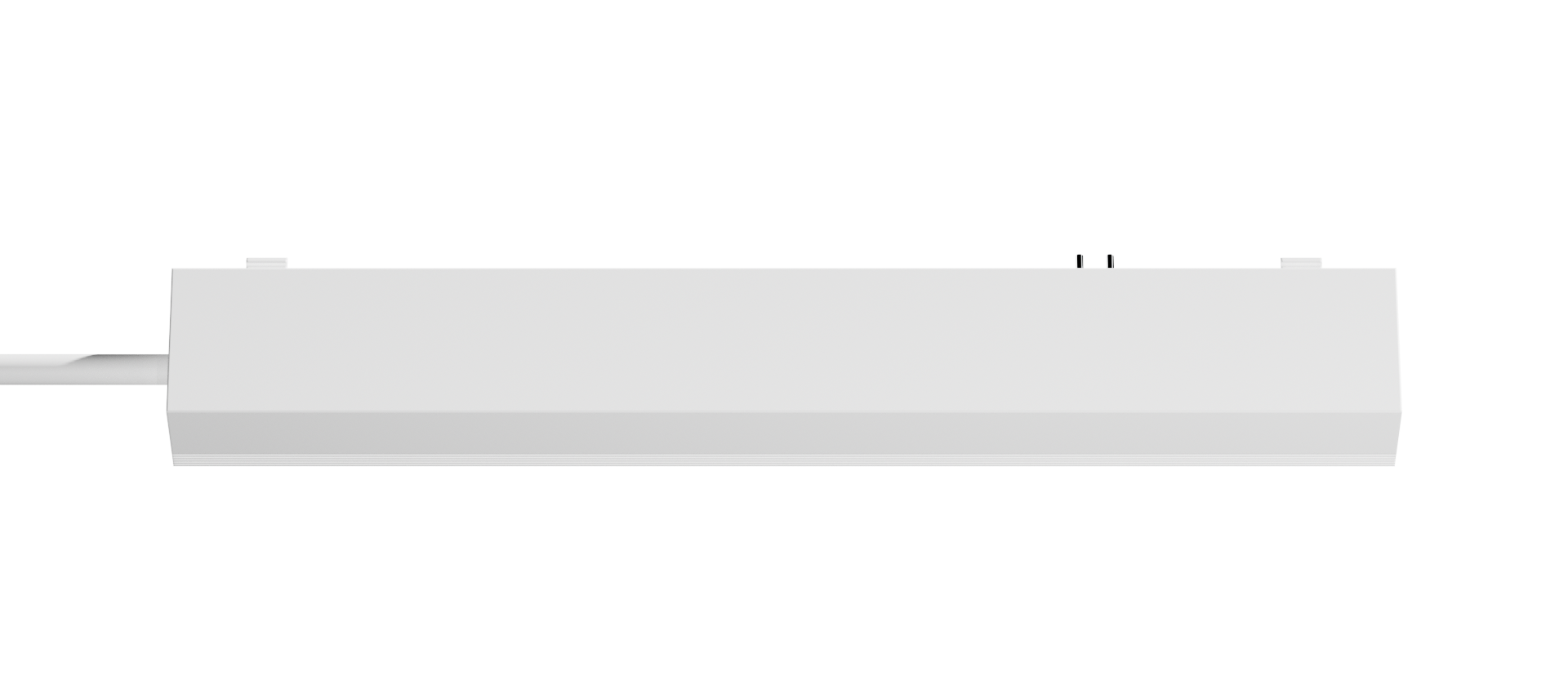 | Track Power Supply V1 (100W Moon White) | GDDY11LM | AL207CNW01 | 6975833355877 |
 | Track Power Supply V1 (200W Mountain Gray) | GDDY12LM | AL207CNG02 | 6975833355884 |
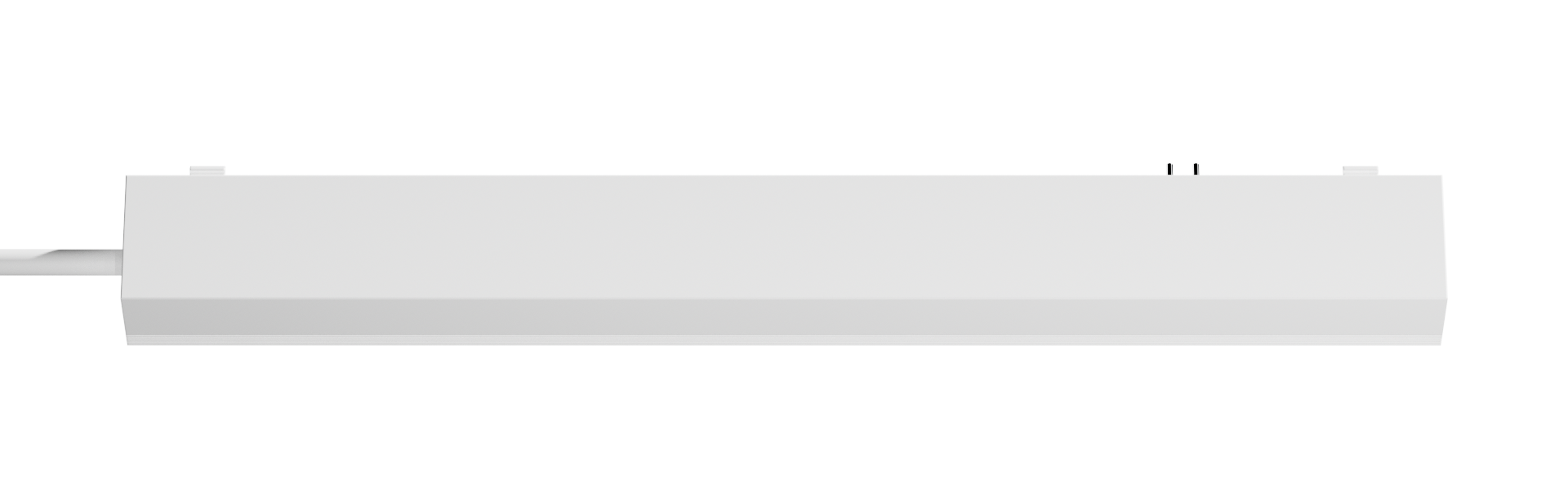 | Track Power Supply V1 (200W Moon White) | GDDY12LM | AL207CNW02 | 6975833355891 |
Track SKUs
| Product Name | Model Number | SKU Code | Barcode |
|---|---|---|---|
| Recessed Track Plaster-in V1 (1m Mountain Gray) | QRSGDPH11LM | AL208CNG01 | 6975833355907 |
| Recessed Track Plaster-in V1 (2m Mountain Gray) | QRSGDPH12LM | AL208CNG02 | 6975833355914 |
| Recessed Track Clip-on V1 (1m Mountain Gray) | QRSGDJZ11LM | AL208CNG03 | 6975833355921 |
| Recessed Track Clip-on V1 (2m Mountain Gray) | QRSGDJZ12LM | AL208CNG04 | 6975833355938 |
| Ultra-thin Surface-mounted Track V1 (1m Mountain Gray) | CBMZGD11LM | AL208CNG05 | 6975833355945 |
| Ultra-thin Surface-mounted Track V1 (1m Moon White) | CBMZGD11LM | AL208CNW05 | 6975833355952 |
| Ultra-thin Surface-mounted Track V1 (2m Mountain Gray) | CBMZGD12LM | AL208CNG06 | 6975833355969 |
| Ultra-thin Surface-mounted Track V1 (2m Moon White) | CBMZGD12LM | AL208CNW06 | 6975833355976 |
Accessory SKUs
| Product Name | Model Number | SKU Code | Barcode |
|---|---|---|---|
| Recessed Input Conductive Module V1 (Mountain Gray) | QRSSRDDMK11LM | AL209CNG01 | 6975833355983 |
| Recessed Straight Conductive Module V1 (Mountain Gray) | QRSZXDDMK11LM | AL209CNG02 | 6975833355990 |
| Recessed Corner Conductive Module V1 (Mountain Gray) | QRSZJDDMK11LM | AL209CNG03 | 6975833356003 |
| Recessed Plaster-in Corner V1 (Mountain Gray) | QRSPHZJ11LM | AL209CNG04 | 6975833356010 |
| Recessed Plaster-in Inner Corner V1 (Mountain Gray) | QRSPHNZJ11LM | AL209CNG05 | 6975833356027 |
| Recessed Plaster-in Outer Corner V1 (Mountain Gray) | QRSPHWZJ11LM | AL209CNG06 | 6975833356034 |
| Recessed Clip-on Corner V1 (Mountain Gray) | QRSJZZJ11LM | AL209CNG07 | 6975833356041 |
| Recessed Clip-on Inner Corner V1 (Mountain Gray) | QRSJZNZJ11LM | AL209CNG08 | 6975833356058 |
| Recessed Clip-on Outer Corner V1 (Mountain Gray) | QRSJZWZJ11LM | AL209CNG09 | 6975833356065 |
| Surface-mounted Straight Connector Module V1 (Mountain Gray) | MZZXLJMK11LM | AL209CNG10 | 6975833356072 |
| Surface-mounted Straight Connector Module V1 (Moon White) | MZZXLJMK11LM | AL209CNW10 | 6975833356089 |
| Surface-mounted Corner V1 (Mountain Gray) | MZZJ11LM | AL209CNG11 | 6975833356096 |
| Surface-mounted Corner V1 (Moon White) | MZZJ11LM | AL209CNW11 | 6975833356102 |
| Surface-mounted Outer Corner V1 (Mountain Gray) | MZWZJ11LM | AL209CNG12 | 6975833356119 |
| Surface-mounted Outer Corner V1 (Moon White) | MZWZJ11LM | AL209CNW12 | 6975833356126 |
| Surface-mounted Inner Corner V1 (Mountain Gray) | MZNZJ11LM | AL209CNG13 | 6975833356133 |
| Surface-mounted Inner Corner V1 (Moon White) | MZNZJ11LM | AL209CNW13 | 6975833356140 |
| IoT Adapter V1 (Mountain Gray) | IOTZJQ11LM | AL209CNG14 | 6975833356157 |
| IoT Adapter V1 (Moon White) | IOTZJQ11LM | AL209CNW14 | 6975833356164 |
Product Highlights
Product Images
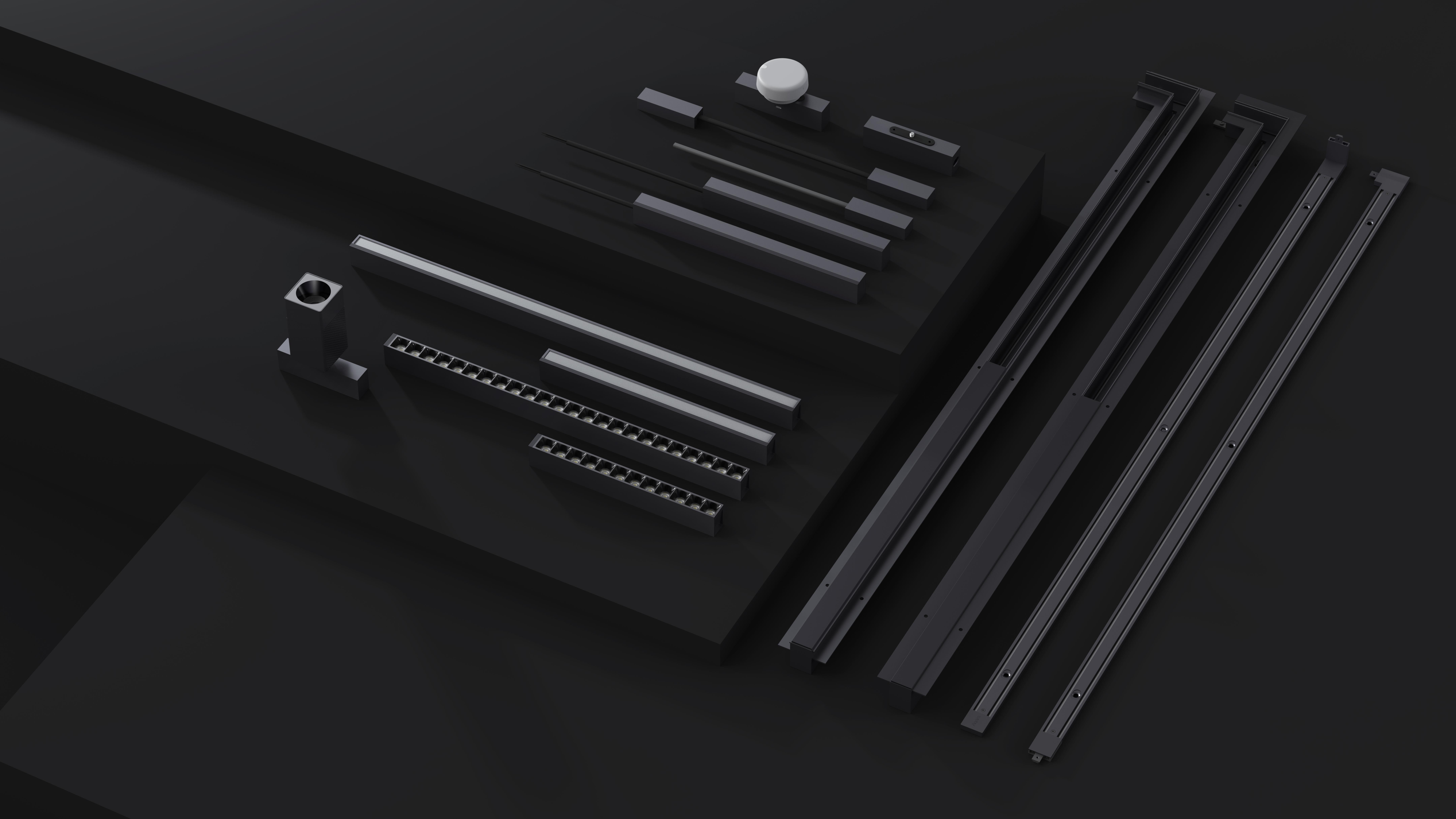
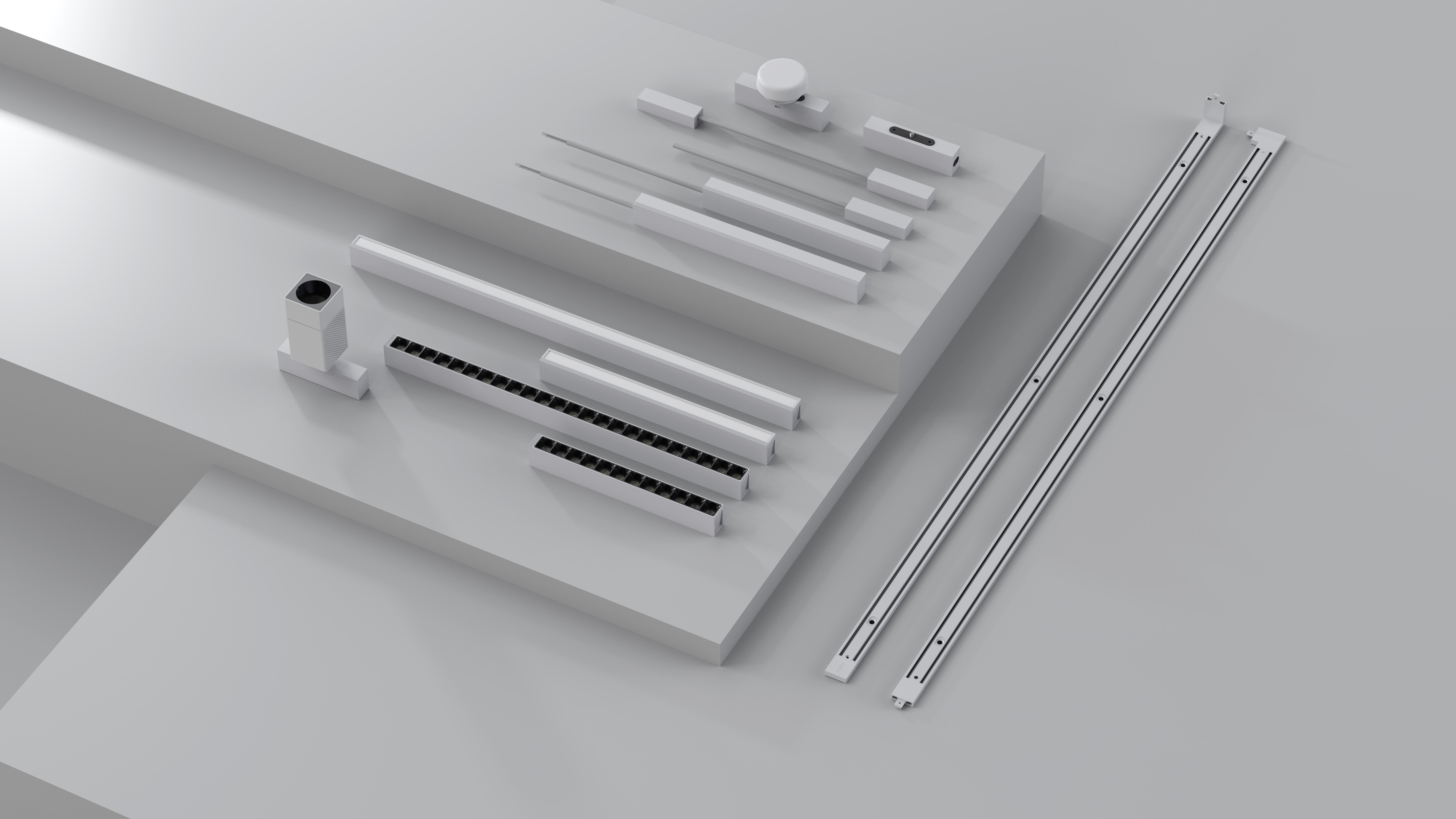
Key Features
- Aqara Galaxy Series Track Light V1 — full-spectrum dual color temperature smart luminaire based on Zigbee communication protocol.
- The series includes track spotlights, track grille lights, and track floodlights, compatible with recessed tracks, ultra-thin surface-mounted tracks, and various installation methods.
- Adopts full-spectrum light source; spotlight model features CRI Ra98, color temperature 2700K-6000K, restoring true colors.
- Supports individual dimming and color temperature control for single luminaires, as well as grouped unified control for multiple luminaires.
- When paired with an Aqara Gateway, enables scene-based control and automation with other smart devices.
- Luminaires use 48V safe low-voltage power supply; the track power supply converts 220-240V AC to 48V DC constant voltage output.
- Complete specifications for spotlights, grille lights, and floodlights, meeting various commercial and residential scenarios including accent lighting, wall washing, and ambient lighting.
Product Specifications
Basic Specifications
| Parameter | Description |
|---|---|
| Operating Temperature | -20 ~ 45°C |
| Operating Humidity | 0% ~ 85% RH, non-condensing |
| Color Temperature (CCT) | 2700K ~ 6000K |
| Protection Rating | IP20 |
| Color Rendering Index (CRI) | Ra 98 |
| Standard Deviation of Color Matching (SDCM) | < 5 |
| Dimming Depth | Million-level (ultra-fine) |
| Communication Protocol | Zigbee (factory default), Thread, Bluetooth Low Energy (BLE) |
| Rated Voltage | 48V DC (luminaire); 220-240V~ (track power supply input) |
| Installation Method | Recessed track / ultra-thin surface-mounted track; requires Aqara dedicated rail system |
Electrical Parameters
Luminaire Parameters
| Product Name | Rated Power | Rated Current | Rated Voltage | Luminous Flux | Beam Angle |
|---|---|---|---|---|---|
| Track Spotlight V1 | 12W (1×12W/LED module) | 0.31A | 48V DC | 720lm | 24° |
| Track Floodlight V1 (30cm) | 12W (120×0.5W/LED module) | 0.262A | 48V DC | 600lm | 100° |
| Track Floodlight V1 (60cm) | 24W (216×0.5W/LED module) | 0.515A | 48V DC | 1200lm | 100° |
| Track Grille Light V1 (12-head) | 12W (12×1W/LED module) | 0.261A | 48V DC | 720lm | 24° |
| Track Grille Light V1 (24-head) | 24W (24×1W/LED module) | 0.516A | 48V DC | 1440lm | 24° |
Track Power Supply Electrical Parameters
| Model Number | Product Name | Rated Input | Rated Output | Power Factor |
|---|---|---|---|---|
| GDDY11LM | Track Power Supply V1 (100W) | 220-240V~ 50/60Hz 0.5A | 48V DC Max 2.1A 100W CV mode | 0.9 |
| GDDY12LM | Track Power Supply V1 (200W) | 220-240V~ 50/60Hz 1A | 48V DC Max 4.2A 200W CV mode | 0.9 |
IoT Adapter Electrical Parameters
| Model Number | Rated Power | Rated Input | Rated Output |
|---|---|---|---|
| IOTZJQ11LM | 10W | 48V DC 0.29A | 5V DC 2.1A |
Light Source Parameters
Product Dimensions
| Product Name | Dimensions |
|---|---|
| Track Spotlight V1 | 146.8 × 110 × 50 mm |
| Track Floodlight V1 (30cm) | 300 × 22.6 × 35.4 mm |
| Track Floodlight V1 (60cm) | 600 × 22.6 × 35.4 mm |
| Track Grille Light V1 (12-head) | 241 × 22.6 × 35.4 mm |
| Track Grille Light V1 (24-head) | 474 × 22.6 × 35.4 mm |
| Track Power Supply V1 (100W) | 240 × 22.6 × 36.4 mm |
| Track Power Supply V1 (200W) | 300 × 22.6 × 36.4 mm |
Product Overview
The Aqara Track Light V1 is a full-spectrum dual color temperature smart luminaire based on the Zigbee communication protocol. It includes track spotlights, track grille lights, and track floodlights, suitable for recessed tracks, ultra-thin surface-mounted tracks, and various installation methods. When paired with an Aqara Gateway, it supports dimming and color temperature control for individual or grouped luminaires, enabling scene-based control and automation with other smart devices.
Luminaires use a 48V safe low-voltage power supply, where the track power supply converts 220-240V household AC to 48V DC constant voltage output. The Track Spotlight V1 model features CRI Ra98, supporting 2700K-6000K dual color temperature adjustment. Grille lights and floodlights are available in 30cm/60cm or 12-head/24-head specifications, with power options of 12W and 24W, meeting different scenario requirements for accent lighting, wall washing, and ambient lighting.
- This device must be used with an Aqara Gateway for full functionality support. Certain specific features are only supported within the Aqara ecosystem.
- The track power supply, luminaires, IoT adapter, etc., must be installed according to the instruction manual. Track and luminaire power contacts require the use of Aqara dedicated rail system.
Installation Instructions
Installation Requirements Confirmation
| Parameter | Description |
|---|---|
| Installation Tools | Screwdriver, electric drill (for track fixing), insulated tools |
| Installation Environment | Indoor use only; applicable to recessed tracks or ultra-thin surface-mounted tracks |
| Installation Location | Dry ceiling or wall surface; avoid heat sources |
| Power Requirement | 220-240V~ 50/60Hz household AC (track power supply input) |
Installation Precautions
Installation involves high-voltage electrical work and must be performed by qualified professionals in accordance with electrical codes and the product instruction manual.
- This product is for indoor use only; do not use in humid environments or outdoors;
- Keep away from moisture; do not splash water or other liquids onto this product;
- Do not place this product near heat sources;
- Do not attempt to repair this product yourself; this work should be performed by authorized professionals;
- The light source in this luminaire is non-replaceable; when the light source reaches end-of-life, replace the entire luminaire;
- This luminaire uses a non-standard rail connector for power connection and must be used with dedicated rails. Do not use rail systems from other manufacturers, as this may cause safety hazards;
- This luminaire is a Class III fixture; its control gear must be SELV (Safety Extra-Low Voltage);
- Disconnect power before installation;
- Insert the luminaire power contact portion into the installed track slot, ensuring reliable contact.
Under no circumstances should the luminaire be covered by thermal insulation materials or similar materials.
General Installation Procedure
-
Track Installation: According to the selected installation method (recessed track / ultra-thin surface-mounted track), fix the Aqara dedicated rail to the ceiling or wall surface;
-
Power Connection: Connect the track power supply to 220-240V~ household AC, and connect the output terminal to the track;
-
Luminaire Installation: After confirming power disconnection, insert the luminaire power contact portion into the installed track slot;
-
Power-On Test: Switch on power and confirm that the luminaire operates normally.
Usage Instructions
Device Pairing
The device defaults to Zigbee protocol for network pairing. When the device enters pairing mode, it can be added to Aqara Studio or Aqara Life App for use.
When the device is not paired to a network, it will automatically enter pairing mode upon powering on (the light breathes twice). The pairing window lasts for 60 seconds. If the pairing time expires, re-power the device to re-enter pairing mode.
Adding to Aqara Studio
Based on the current protocol used by the device, please refer to the corresponding documentation:
| Protocol | Documentation |
|---|---|
| Zigbee | Zigbee Device Integration Guide |
| Matter | Matter Device Integration Guide |
Adding to Aqara Life App
-
Download the Aqara Life App (scan the QR code on the instruction manual, or search and download from Apple App Store / Google Play).
-
Open the App, navigate to "Home", tap the "+" icon in the top-right corner to enter "Add Device" page, and follow the App prompts to complete adding.
Firmware Update
You can update the device firmware to the latest version in Aqara Studio or Aqara Life App before use.
Device Reset / Factory Restore
| Operation | Method | Description |
|---|---|---|
| Device Reset | Cycle power on/off 5 times consecutively | Device completes reset and enters pairing status |
Product Functions
Basic Dimming
| Function | Description |
|---|---|
| On/Off | Supports basic on and off functions |
| Brightness | Supports brightness adjustment |
| Color Temperature | Supports 2700K - 6000K color temperature adjustment |
Scene Functions
| Function | Description |
|---|---|
| Static Scenes | Save specific white light color temperature and brightness combinations as custom scenes for one-tap recall; supports copy, edit, delete |
| Dynamic Sequences | Supports multi-keyframe settings to generate flowing white light effect sequences |
Configuration Options
| Configuration Item | Description |
|---|---|
| Communication Protocol | Zigbee (factory default), Bluetooth Low Energy (BLE) |
| Power-On Behavior | Supports setting power failure memory / light on after power restore / light off after power restore / reverse modes |
| On/Off Transition Time | Supports configuring on/off transition duration |
| Transition Curve Configuration | Light transitions to target state using configured curve effect |
| Dimming Range Configuration | Can set maximum and minimum brightness |
| Find Device | Upon tapping, device flashes or emits long beep |
Indicator Description
| Indicator Status | Function Description |
|---|---|
| Light breathes twice and flashes once | Device reset successful and entered pairing status |
| Light breathes slowly then stays solidly lit | Pairing successful |
Maintenance
-
Regularly wipe the product surface with a dry soft cloth to prevent dust accumulation affecting performance;
-
Do not use chemical solvents to clean the product;
-
When not in use for extended periods, store in a dry environment with power disconnected.
Supported Gateway Information
This product must be used with an Aqara Gateway for full functionality support. This product is a Zigbee protocol sub-device; please use an Aqara Gateway updated to the latest version.
| Parameter | Description |
|---|---|
| Aqara Gateway Support |
|
Automation Information
Supported Automation Triggers/Actions
| Condition Type | Supported Automation Conditions |
|---|---|
| Automation Condition | Turn On |
| Turn Off | |
| Is On | |
| Is Off | |
| Automation Action | Turn On |
| Turn Off | |
| Toggle On/Off | |
| Set Brightness | |
| Set Brightness (without toggle) | |
| Set Color Temperature | |
| Set Color Temperature & Brightness | |
| Brightness + | |
| Brightness - | |
| Set to Specific Scene |
Troubleshooting Guide
Issue 1: Device Cannot Join Network
| Possible Cause | Solution |
|---|---|
|
|
Issue 2: Device Cannot Pair / Connect
| Possible Cause | Solution |
|---|---|
|
|
Issue 3: Luminaire Not Lighting / Abnormal Light Color
| Possible Cause | Solution |
|---|---|
|
|
FAQ
What types of luminaires are included in the Track Light V1 Series?
The Track Light V1 Series includes three types: Track Spotlights, Track Grille Lights, and Track Floodlights, along with 100W / 200W Track Power Supplies and IoT Adapters.
What installation methods does Track Light V1 support?
Supports two installation methods: Recessed Track and Ultra-thin Surface-mounted Track. After the track power supply converts 220-240V AC to 48V DC constant voltage output, luminaires draw power by inserting their power contacts into the track slot.
Does Track Light V1 require Aqara dedicated rails?
Yes. This luminaire uses non-standard rail connectors for power connection and must be used with dedicated rails. Do not use rail systems from other manufacturers, as this may cause safety risks.
How to enter pairing mode?
When the device is in unpaired state, it will automatically enter pairing mode upon powering on.
How to reset the device?
Cycle power on/off 5 times consecutively, ending in ON state. Wait for the light to breathe twice and flash once — the device has completed reset and entered pairing status.
How to verify effective communication distance between device and gateway?
Use the power switch to cycle power on/off 3 times consecutively. If the gateway emits a prompt tone, it indicates effective communication between the device and gateway.