Data Conversion
Screenshots in this guide may look slightly different from what you see on your device. Please follow the actual interface for reference.
Overview
When two blocks are connected but their output and input data types don't match, Aqara Studio automatically inserts a data conversion block. With this feature, you can easily define the final form of data in your automation workflow without any additional operations. For example, converting the number 1 to the string "1.0", or mapping the boolean value false to a more intuitive string like "Device is offline".

This flexible data conversion capability allows you to seamlessly perform mathematical calculations, logical operations, and text concatenation, while connecting various point data blocks. This enables raw data to naturally integrate into various logic, helping you to freely customize your workflows.
This document explains the conversion rules for different parameter types.
Boolean to Other Types
Boolean to Enumeration

To convert from a boolean value to an enumeration value, you need to set the mapping rule in the Data Conversion block:
- Truthy Value: Select the target enumeration value when the input is
true. - Falsy Value: Select the target enumeration value when the input is
false.
Boolean to Number

To convert from a boolean value to a number, you need to set the mapping rule in the Data Conversion block:
- Truthy Value: Set the target number when the input is
true. - Falsy Value: Select the target number when the input is
false.
Boolean to String

To convert from a boolean value to a string, you need to set the mapping rule in the Data Conversion block:
- Truthy Value: Select the target string when the input is
true. - Falsy Value: Select the target string when the input is
false.
Enumeration to Other Types
Enumeration to Boolean

You need to specify an enumeration value as false to complete the conversion:
- Falsy Value: If the input enumeration value matches the configured value, the output is
false. Otherwise, the output istrue.
Enumeration to Number

When an enumeration block is connected to a number block, the number block directly obtains the numerical value of the input enumeration. For example, an enumeration value with index 0 corresponds to the number 0.
Enumeration to String

When an enumeration block is connected to a string block, the string block directly obtains the name of the input enumeration value. As shown in the figure, the string variable directly displays the device's current mode, which is "Low".
Number to Other Types
Number to Boolean

You need to specify an number as false to complete the conversion:
- Falsy Value: If the input number matches the configured number, the output is
false. Otherwise, the output istrue.
Number to Enumeration

When a number block is connected to an enumeration block, the input number is converted to the corresponding enumeration value based on preset mapping relationships. For example, the number 0 corresponds to the enumeration value with index 0.
Number to String

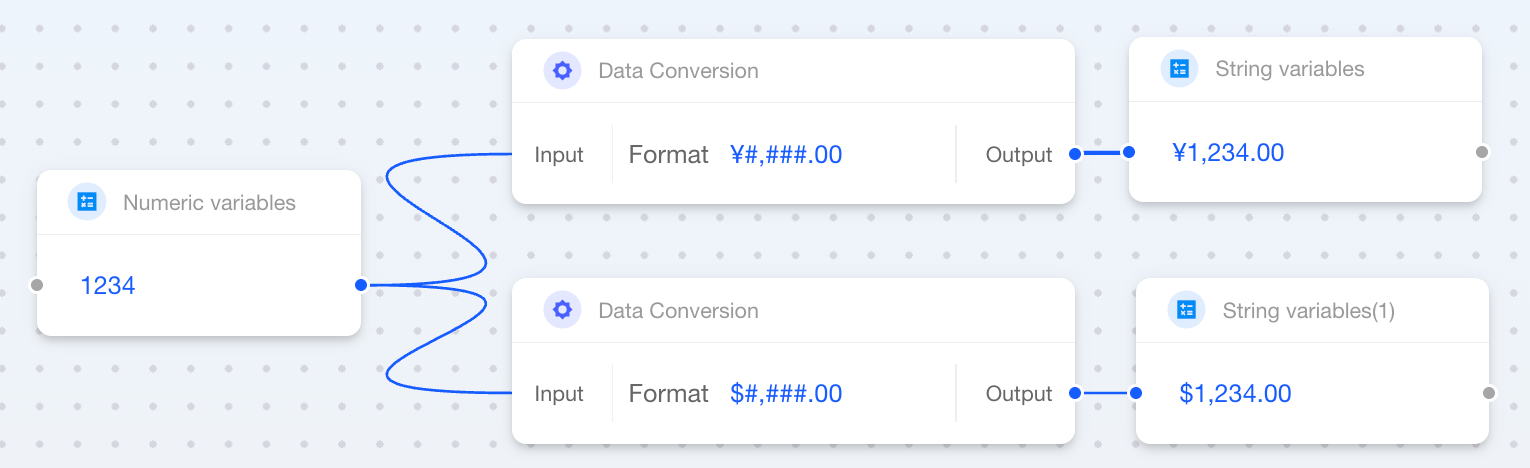
When a number block is connected to a string block, you need to specify a "format" string. This format determines whether the final string includes decimal places, thousands separators, or other symbols.
Basic Format Symbols
| Symbol | Meaning | Example Pattern | Number (Before) | String (After) |
|---|---|---|---|---|
0 | Digit placeholder. Pads with zeros if there are not enough digits. | 000 | 123 | 123 |
| 5 | 005 | |||
# | Digit placeholder. Shows digits only if present (no zero padding). | ### | 123 | 123 |
| 5 | 5 | |||
. | Decimal point separator. | 0.00 | 3.14159 | 3.14 |
, | Thousands separator. | #,### | 1234 | 1,234 |
% | Converts the number to a percentage. | 0% | 0.15 | 15% |
E | Scientific notation format. | 0.00E00 | 1234 | 1.23E03 |
Examples
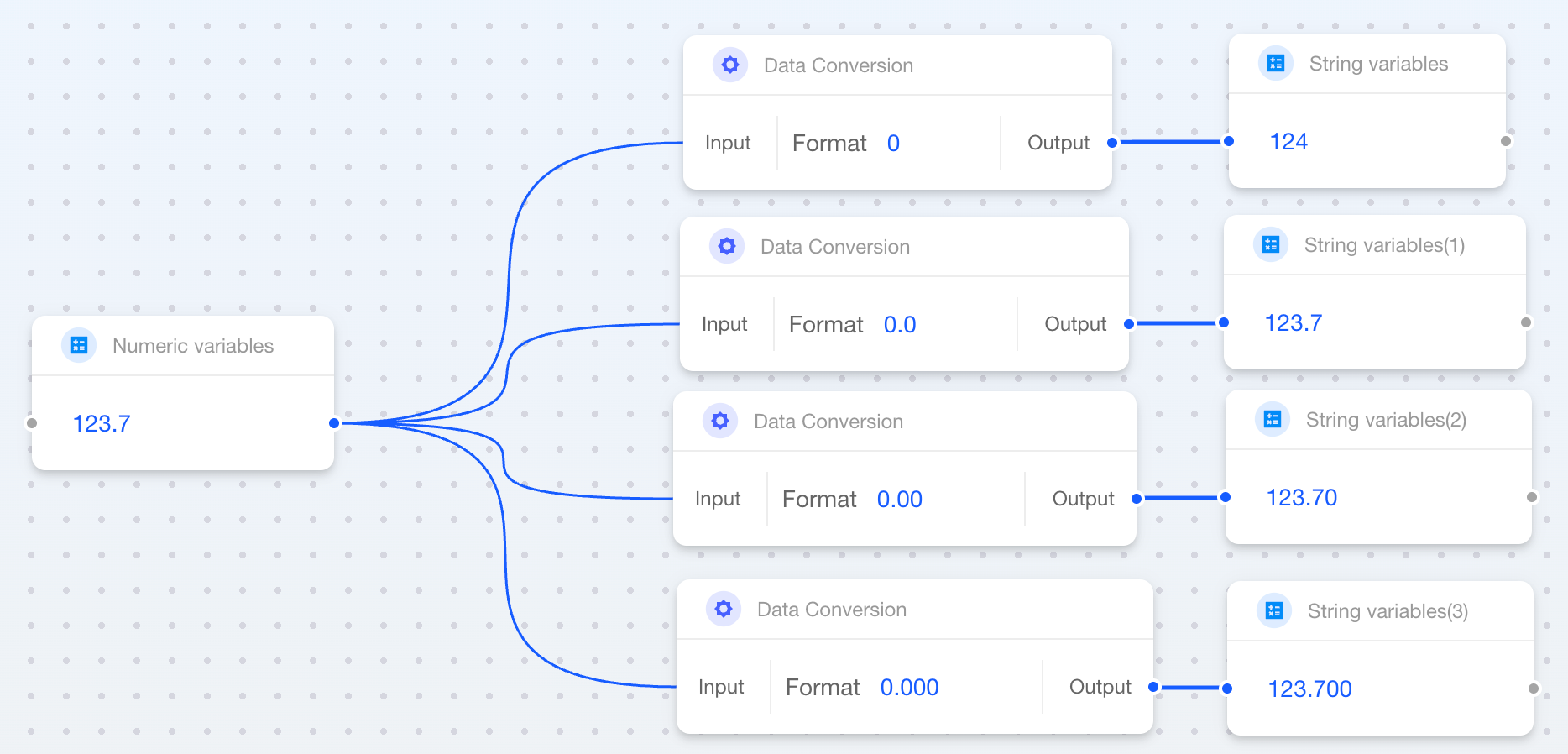
Basic Number
| Format | Description | Number (Before) | String (After) |
|---|---|---|---|
0 | Integer | 123.7 | 124 |
0.0 | One decimal place | 123.7 | 123.7 |
0.00 | Two decimal places | 123.7 | 123.70 |
0.000 | Three decimal places | 123.7 | 123.700 |
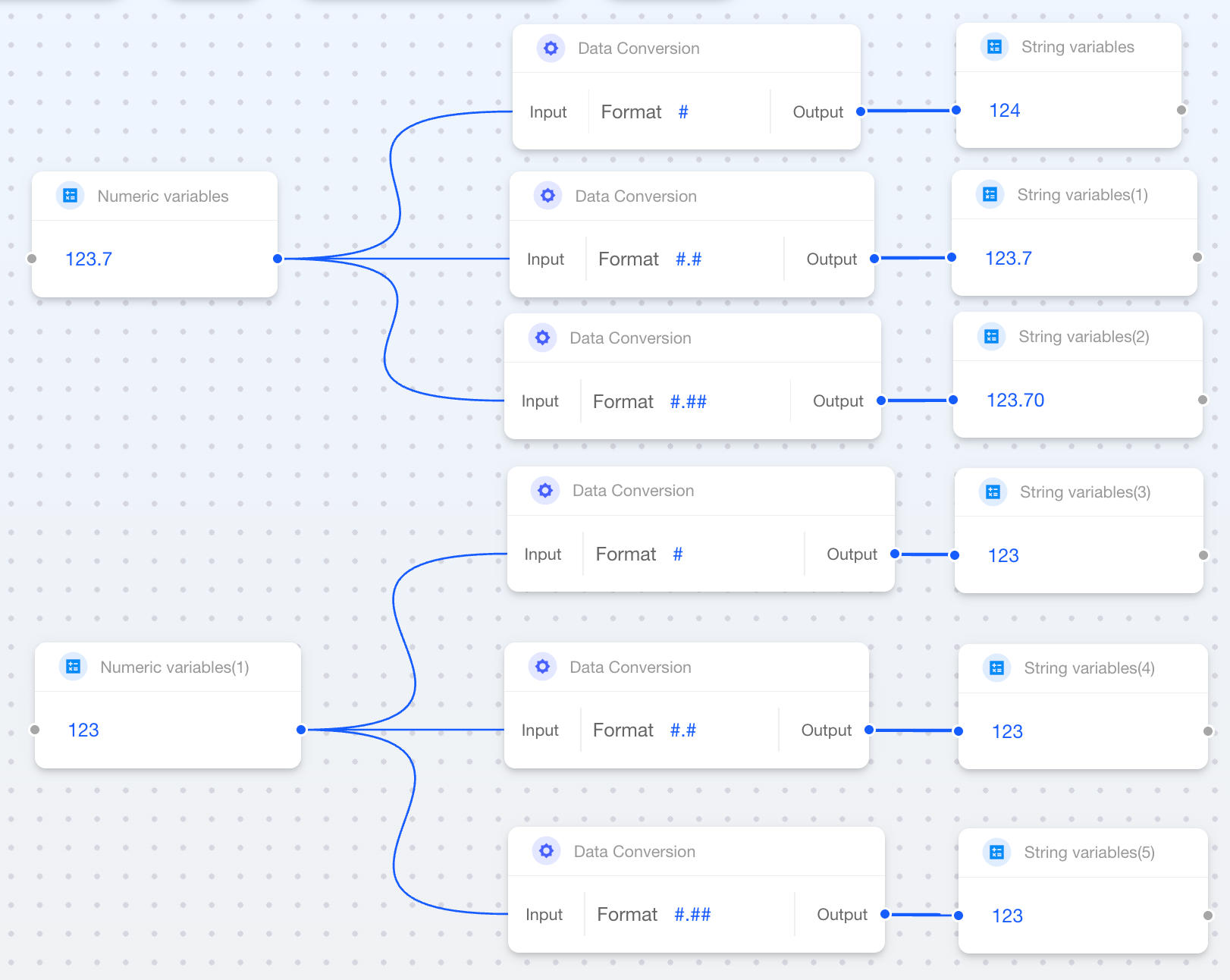
Flexible Decimal Places
| Format | Description | Number (Before) | String (After) |
|---|---|---|---|
# | Rounds to integer (no zero padding) | 123.7 | 124 |
#.# | Formats with up to 1 decimal | 123.7 | 123.7 |
| 123.0 | 123 | ||
#.## | Formats with up to 2 decimals | 123.7 | 123.7 |
| 123.00 | 123 |
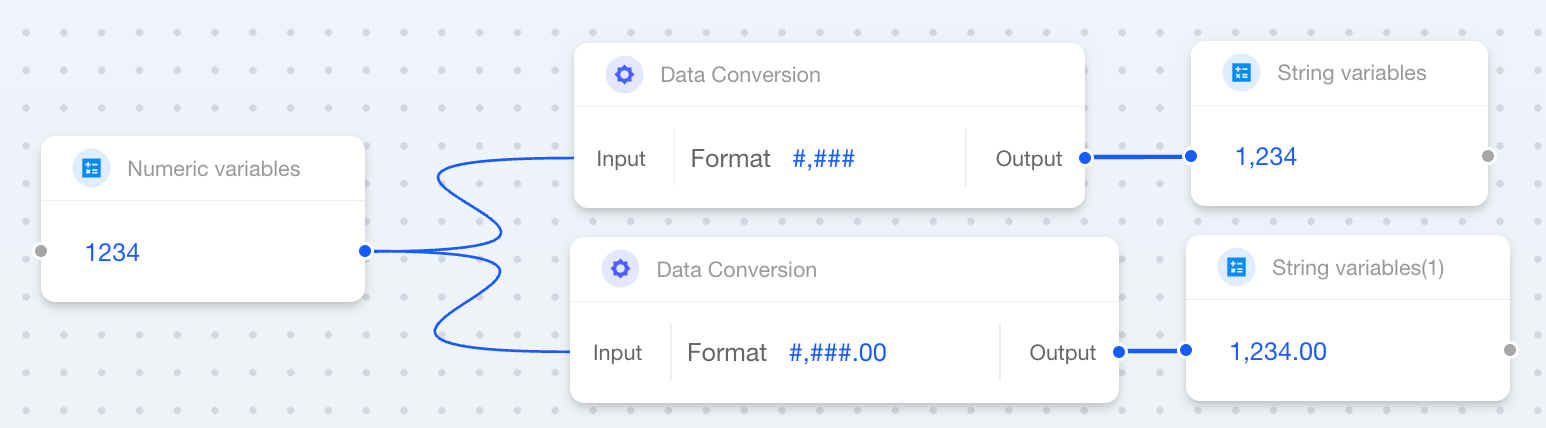
Thousands Separator
| Format | Description | Number (Before) | String (After) |
|---|---|---|---|
#,### | Thousands separator | 1234 | 1,234 |
#,###.00 | Thousands separator + 2 decimals | 1234.5 | 1,234.50 |
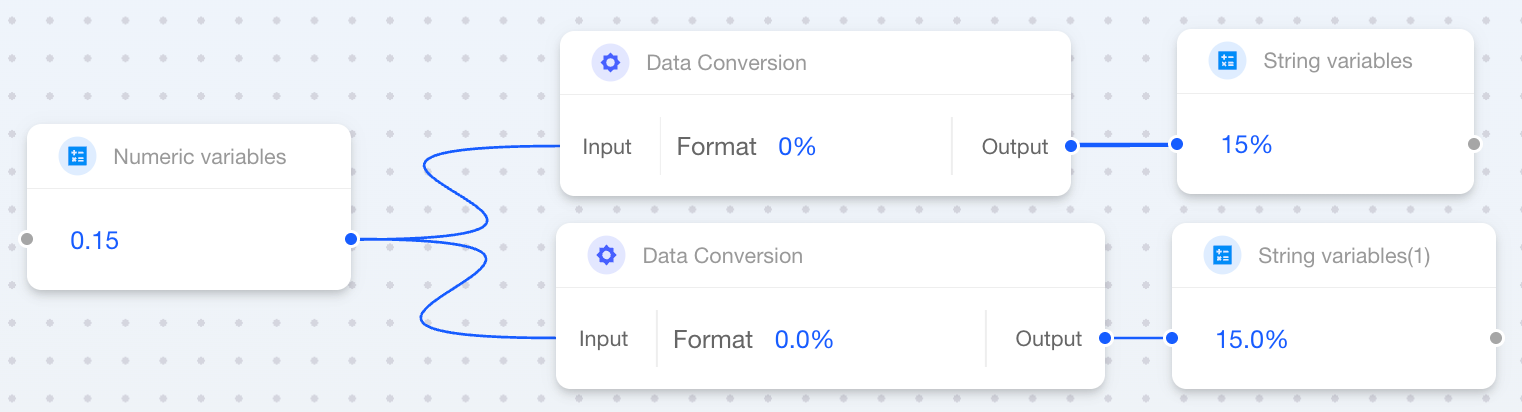
Percentage
| Format | Description | Number (Before) | String (After) |
|---|---|---|---|
0% | Percentage | 0.15 | 15% |
0.0% | One decimal percentage | 0.15 | 15.0% |
Scientific Notation
| Format | Description | Number (Before) | String (After) |
|---|---|---|---|
0.00E00 | Scientific notation | 1234 | 1.23E03 |

Currency Format
| Format | Description | Number (Before) | String (After) |
|---|---|---|---|
¥#,###.00 | Chinese Yuan format | 1234.5 | ¥1,234.50 |
$#,###.00 | US Dollar format | 1234.5 | $1,234.50 |
String to Other Types
String to Boolean

To convert from a string to a boolean value, you need to set the mapping rule in the Data Conversion block:
- Falsy Value: Specify which input value should output
false. - Truthy Value: Specify which input value should output
true.
String to Number

You simply need to connect a numeric string block to a number block, and the system will automatically convert it to a number type without any additional configuration.